Learn the app
Short demos of PRzilla features, with the steps to find each one in the iOS and Android app.
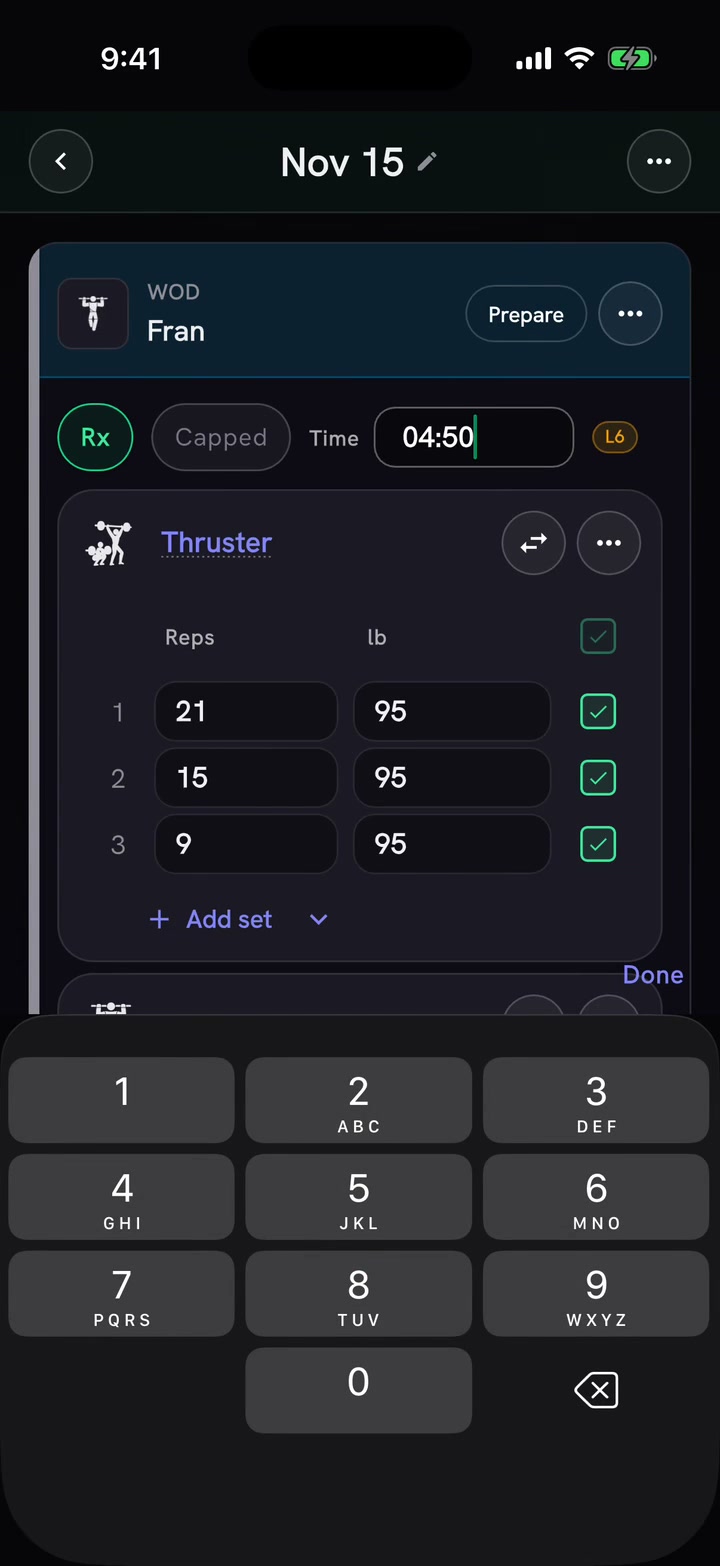
Benchmark logging
See where a score lands
Open a benchmark, log your time, and compare it to level bands.
- Access
- Free · iOS and Android
- In the app
- Workout Tracker → Add WOD
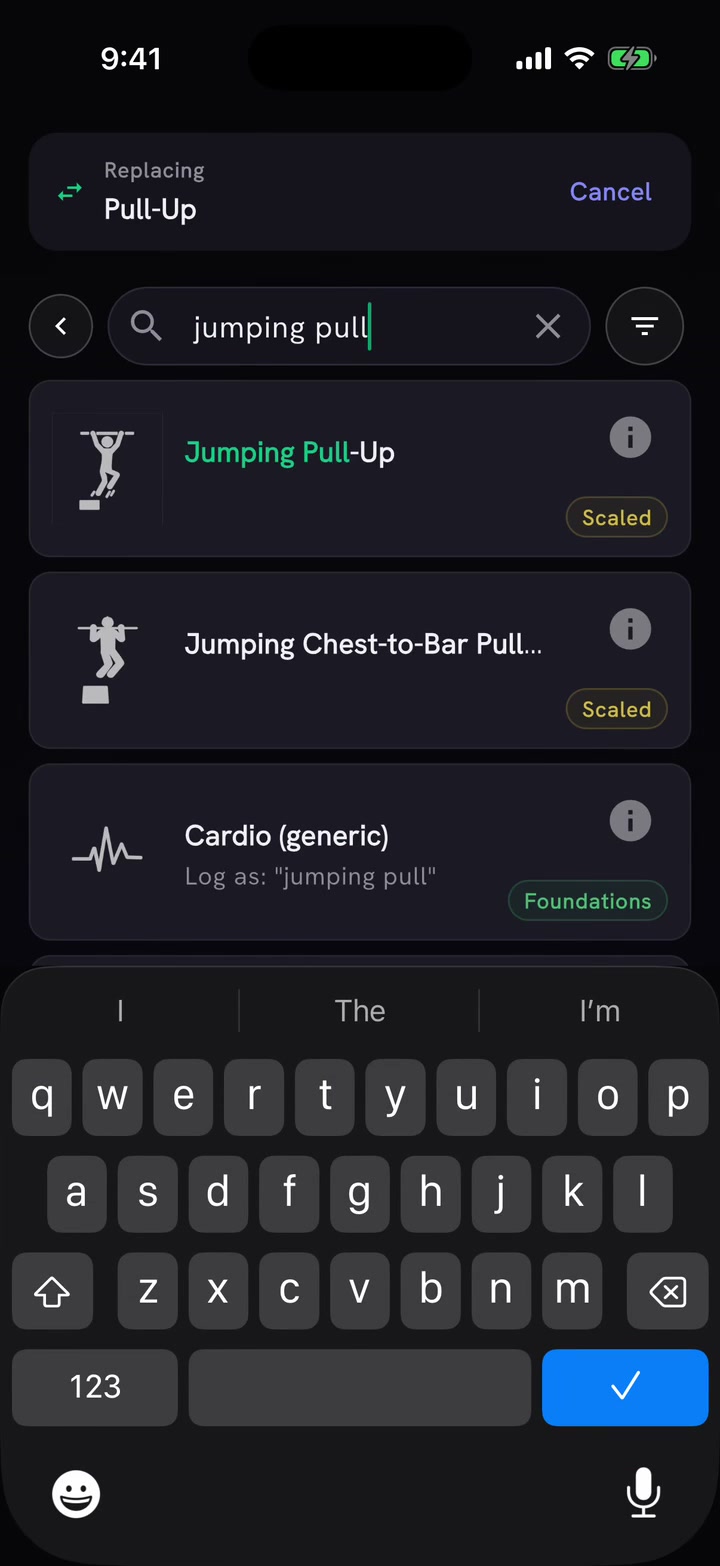
Workout editor
Log the scaled work you did
Replace movements and adjust reps or loads while keeping the work under the score.
- Access
- Free · iOS and Android
- In the app
- Workout Tracker → WOD card
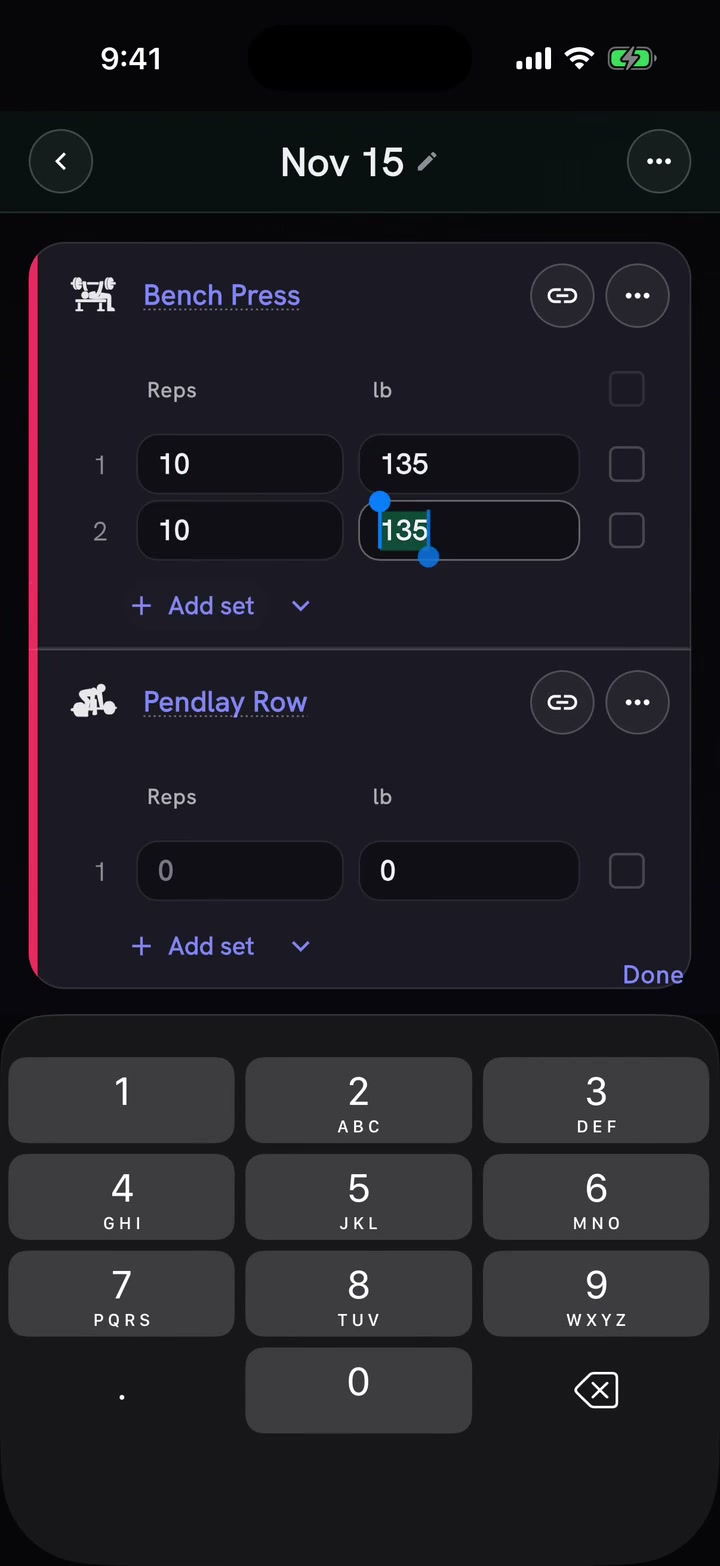
Strength work
Add lifts and supersets
Add movements to a session and pair them for strength work.
- Access
- Free · iOS and Android
- In the app
- Workout Tracker → Add Movement
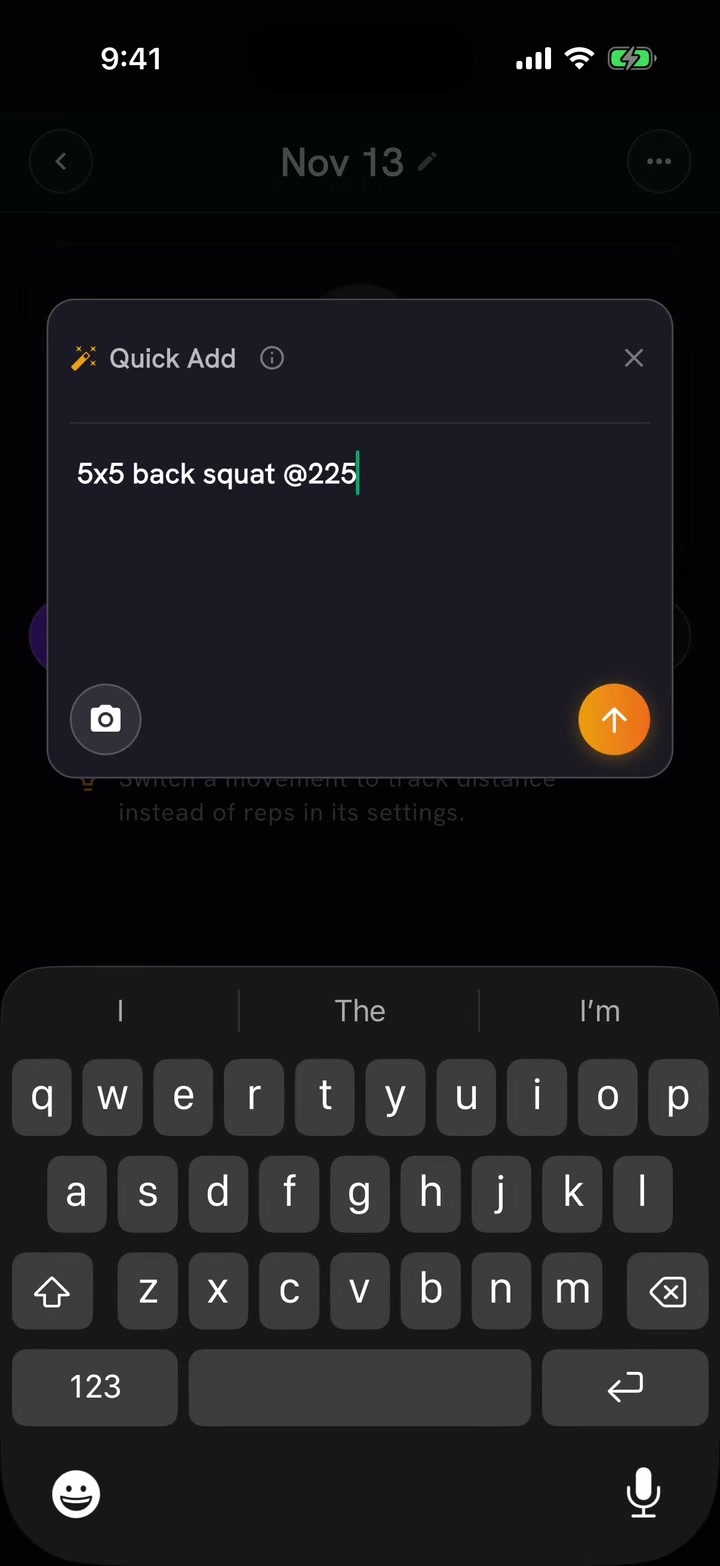
Quick Add
Add a session from text
Paste your session and turn it into WODs, movements and sets.
- Access
- Pro in the Workout Tracker · iOS and Android
- In the app
- Workout Tracker → wand
AI coach
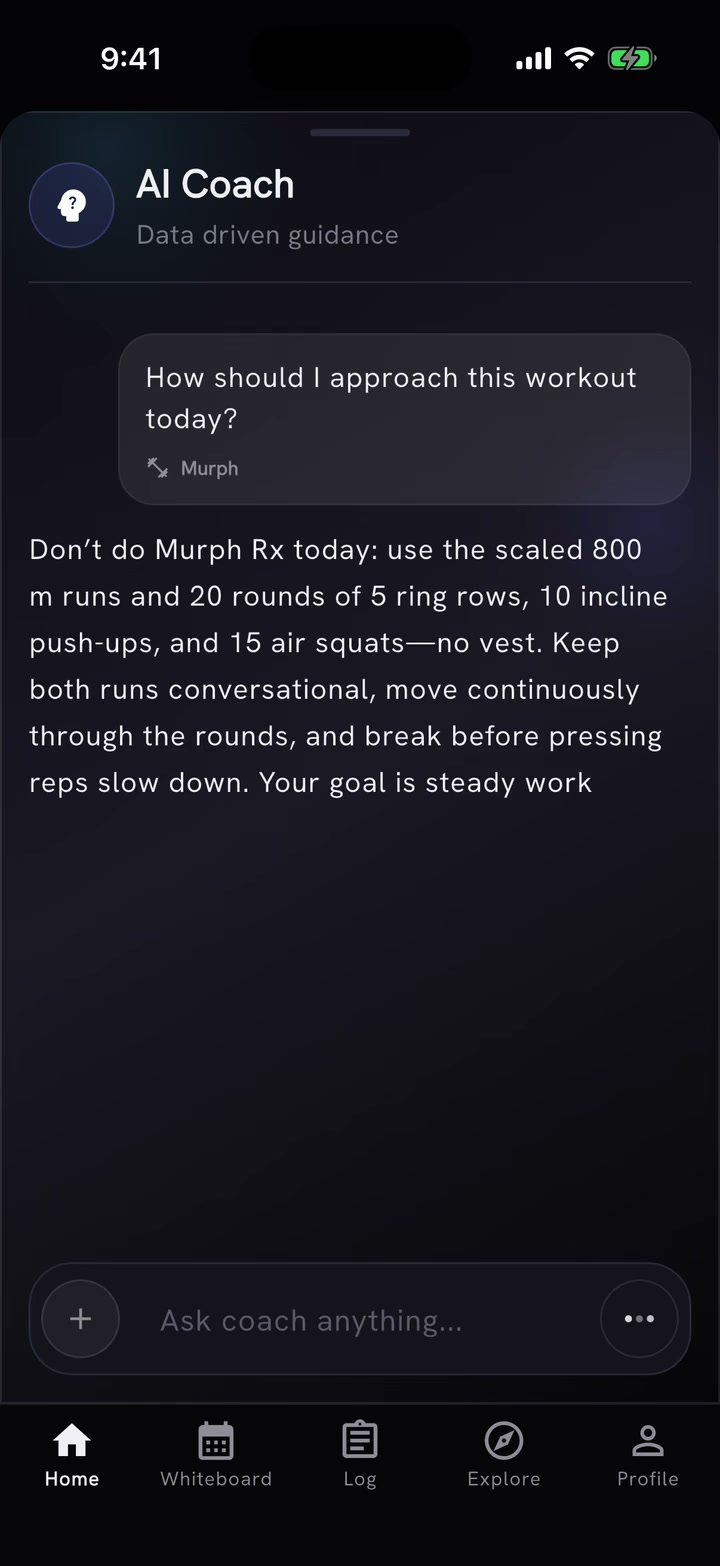
Ask about your workout
Attach a WOD to Coach and ask for training guidance using your log.
- Access
- Free with daily AI actions · iOS and Android
- In the app
- Coach → attach WOD
Percent work
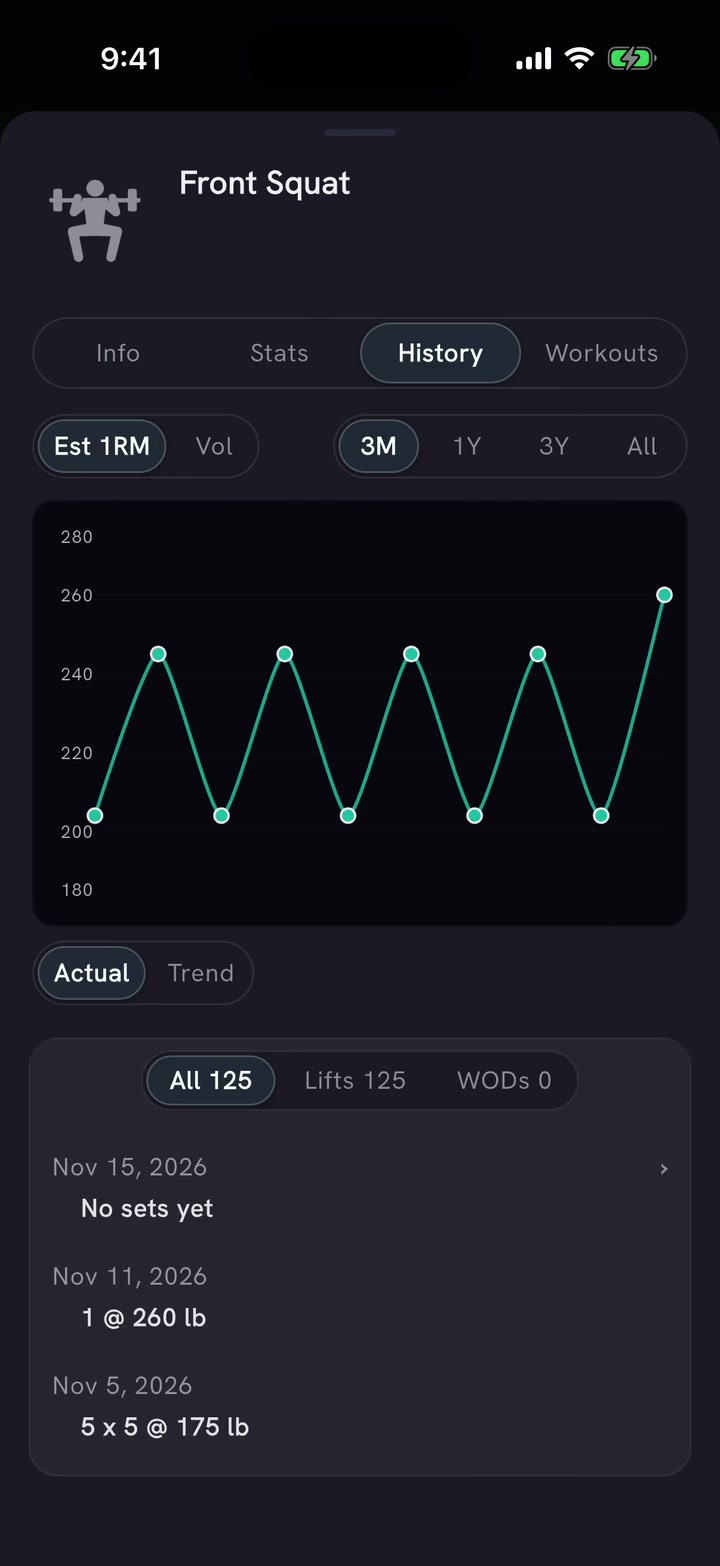
Use percentages of your Training Max
Enter percentages and use your Training Max to fill in loads; review your movement history.
- Access
- Free · iOS and Android
- In the app
- Workout Tracker → percent column
Complexes
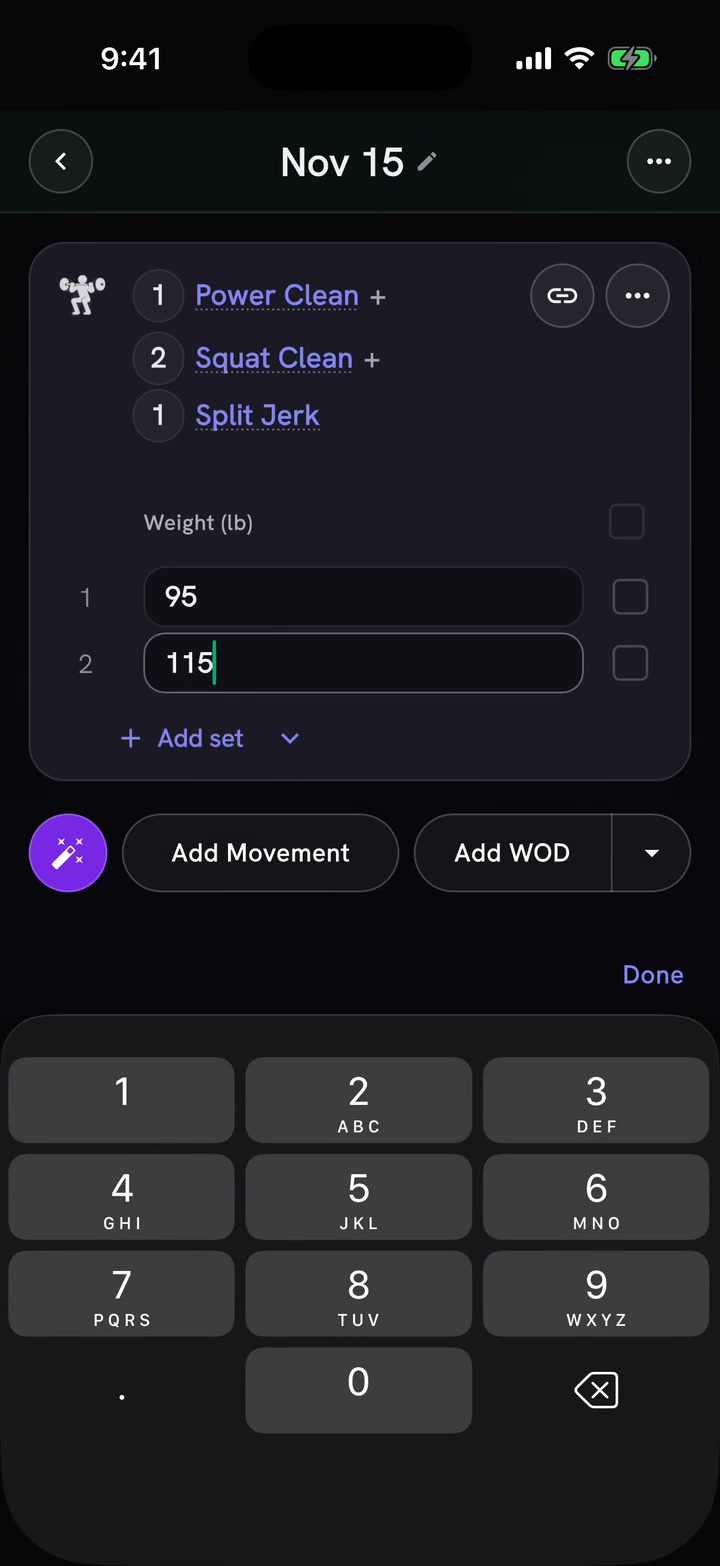
Log a barbell complex
Choose the lifts in a complex and log the weight for each set.
- Access
- Free · iOS and Android
- In the app
- Workout Tracker → Add Movement
Workout timer
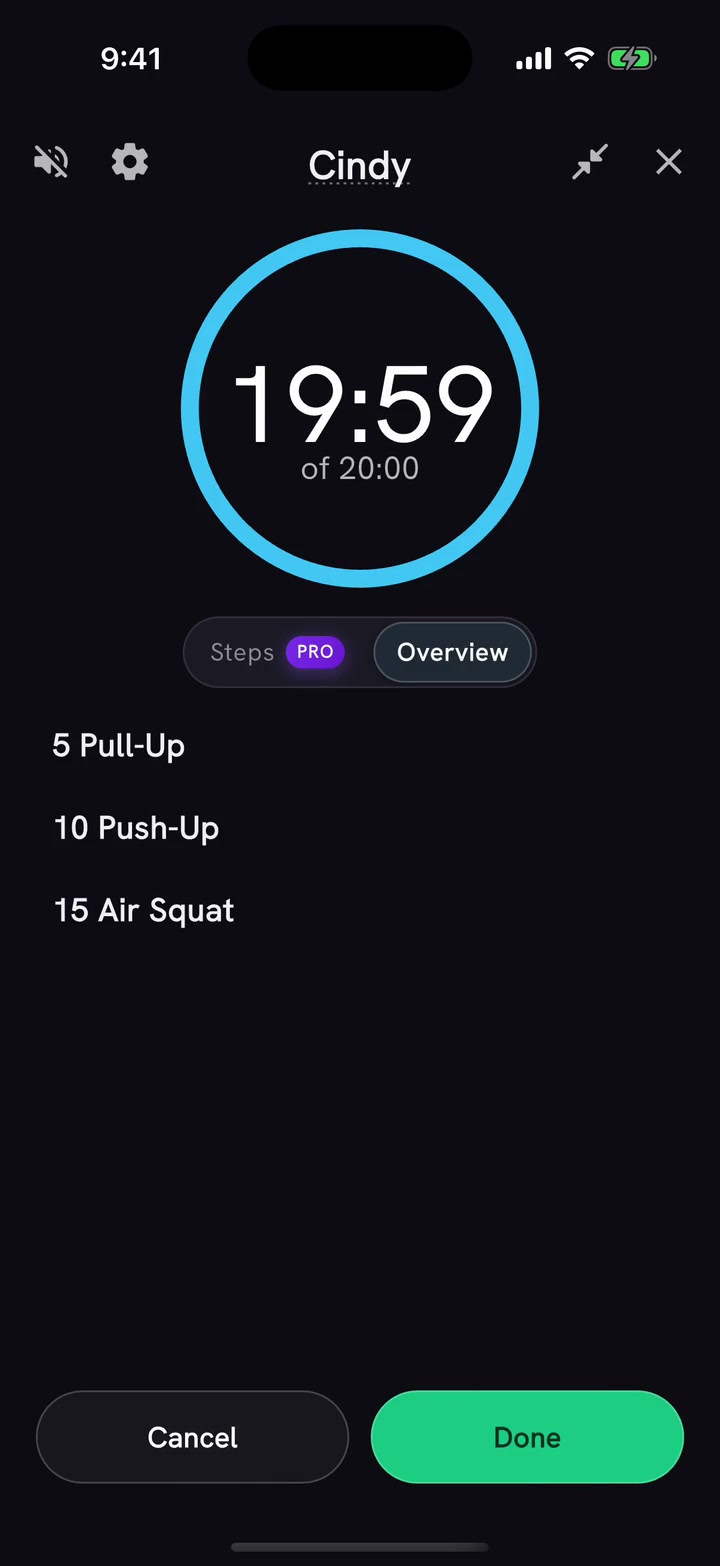
Start a timer from your workout
Run Cindy with the Free Overview timer, then return to the Workout Tracker. The demo skips the middle of the 20-minute AMRAP.
- Access
- Free · iOS and Android
- In the app
- Workout Tracker → WOD card → Start
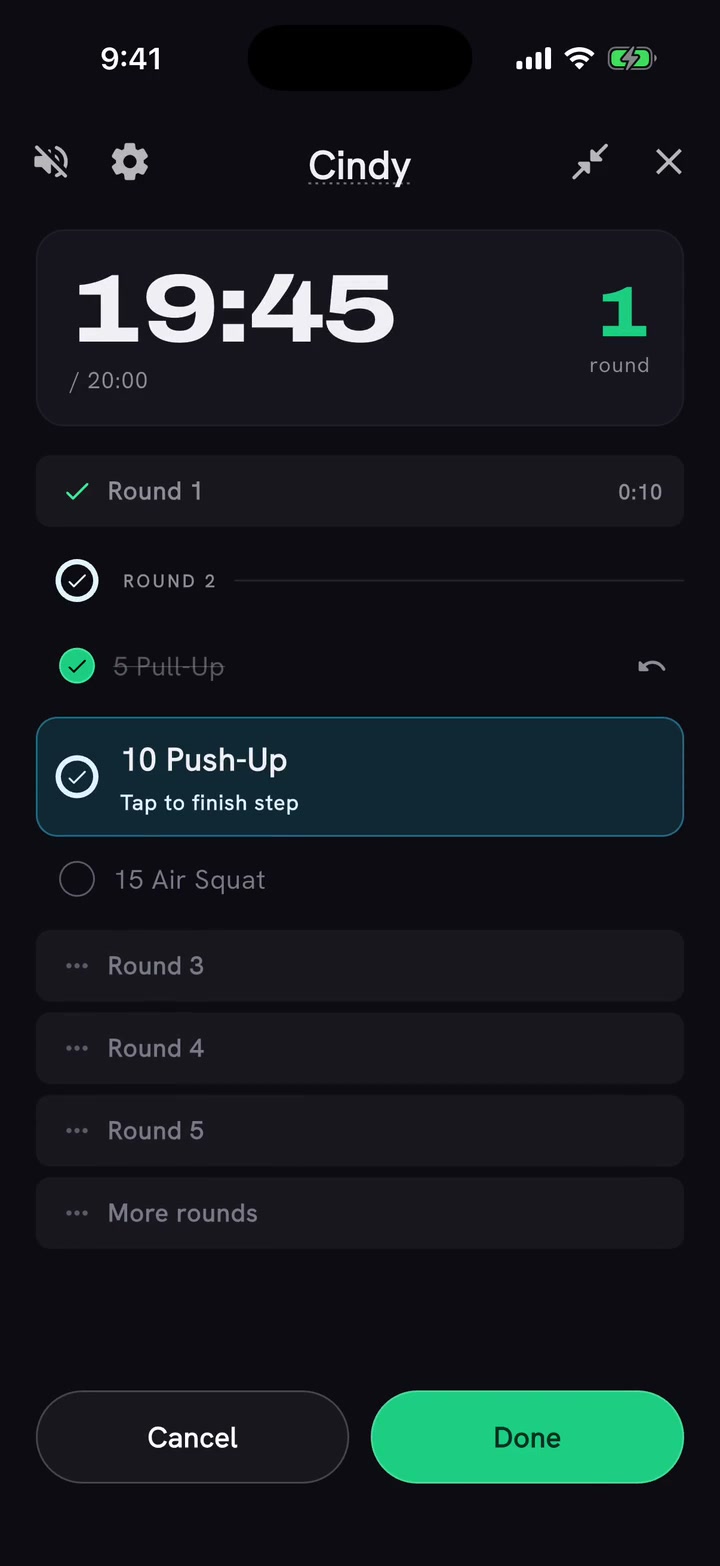
Follow-along timer
Check off movements and count rounds
Check off Cindy's movements while the timer runs and see the completed-round counter advance from 0 to 1.
- Access
- Pro where follow-along is enabled · iOS and Android
- In the app
- Workout Tracker → WOD card → Start