Mobile App v1.30 - Light mode, and the timer on your Lock Screen
Light mode
PRzilla can be light now. Settings has a new Appearance section: set Theme to System, Light, or Dark, and System follows whatever your phone is set to.
Light mode is in limited beta and going out to a small group first, so the Appearance section will not be there for everyone yet. If you want to try it, ask in our Discord and we will add you.
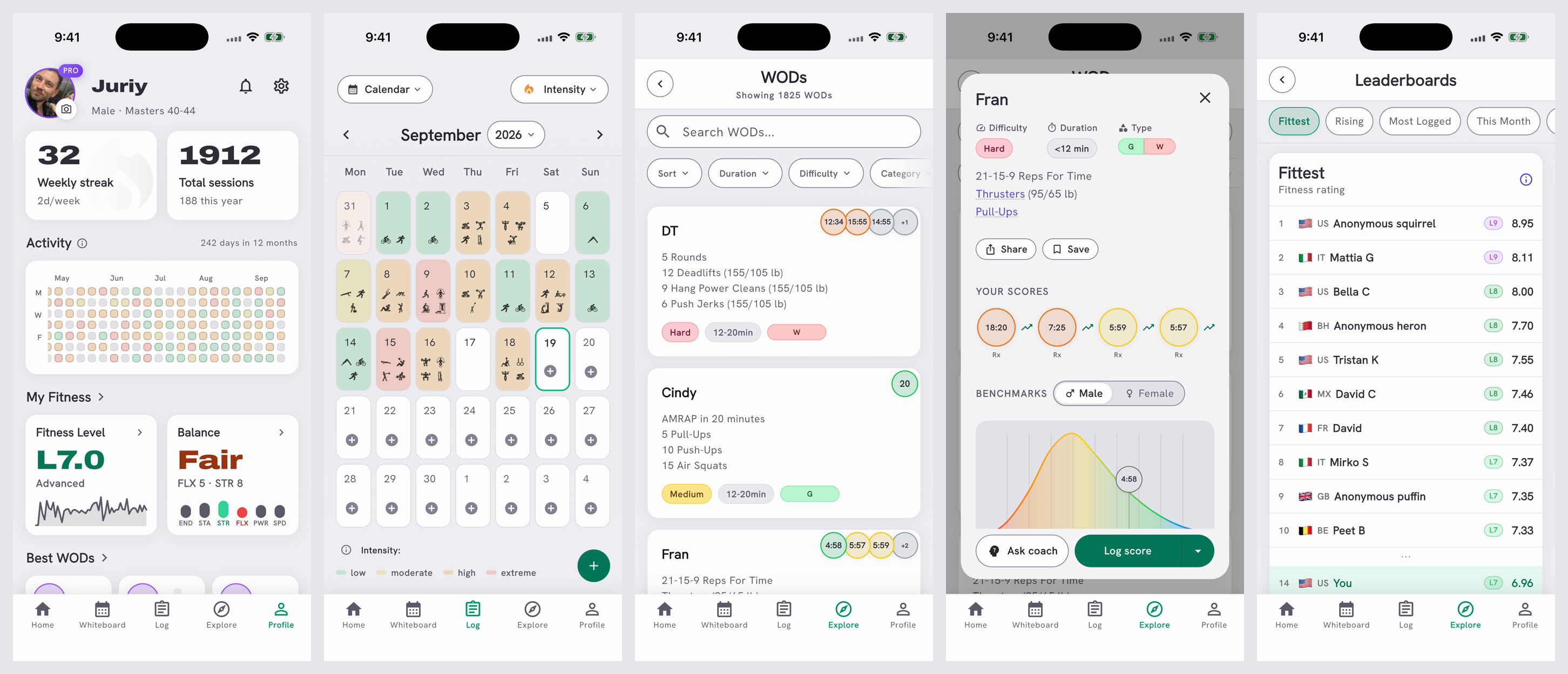
Your timer, on the Lock Screen
A running workout timer can now stay on the iPhone Lock Screen, in the Dynamic Island on the iPhones that have one, and in Android notifications, so the clock is there without unlocking the phone.
Pro follow-along timers also show the current work, round or rep progress, and what comes next.
It shows up in three places. Glance at the phone and the compact Dynamic Island carries your round and the clock:

Lock the phone and the full card is on the Lock Screen, with what you are on, what is next, the time cap and the level you are holding:
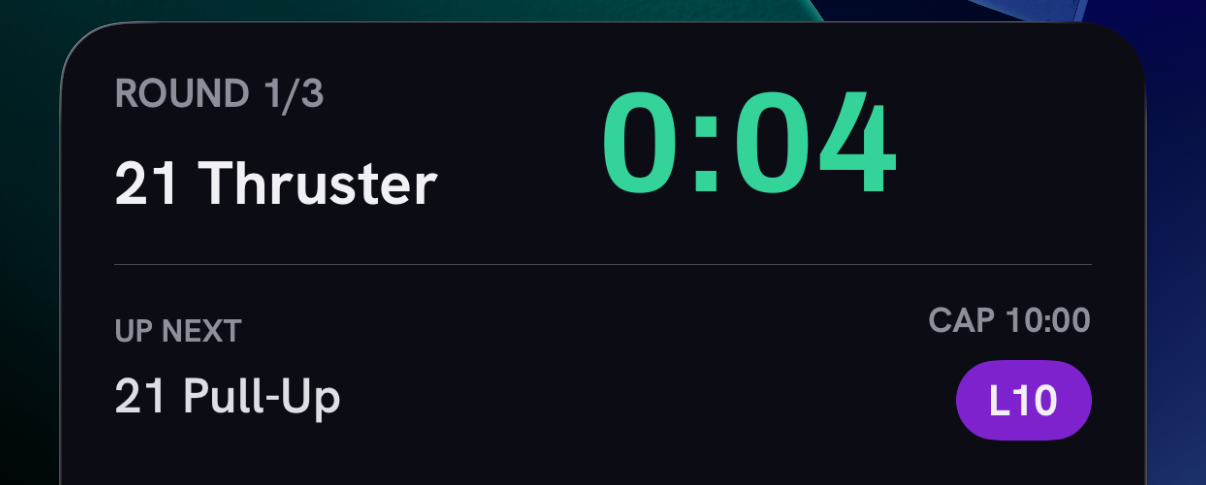
Press and hold the Dynamic Island and it expands, adapting to rounds, grouped work, EMOMs, Tabata intervals, and long movement names:
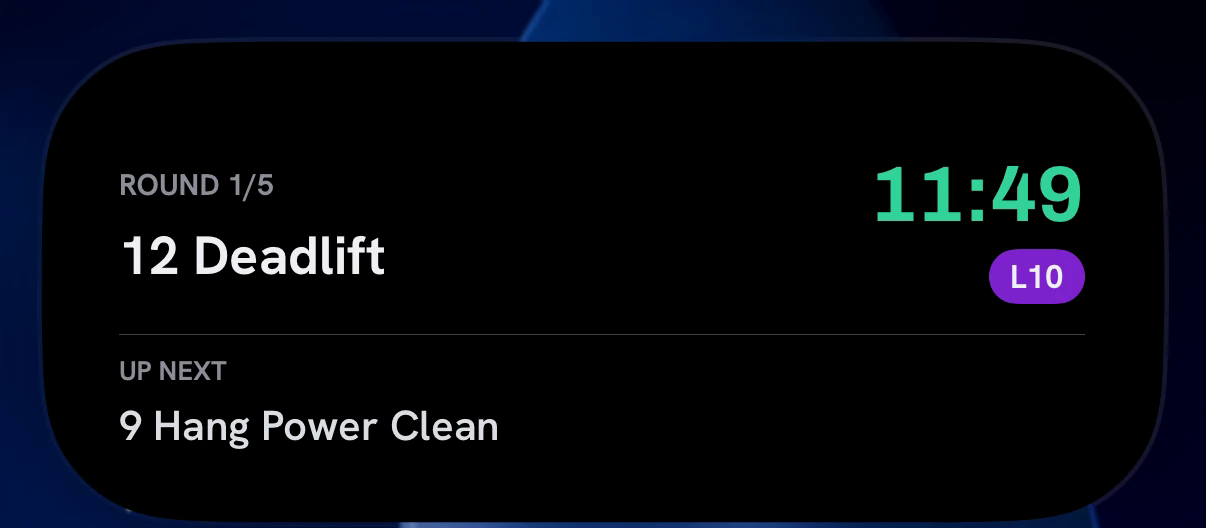
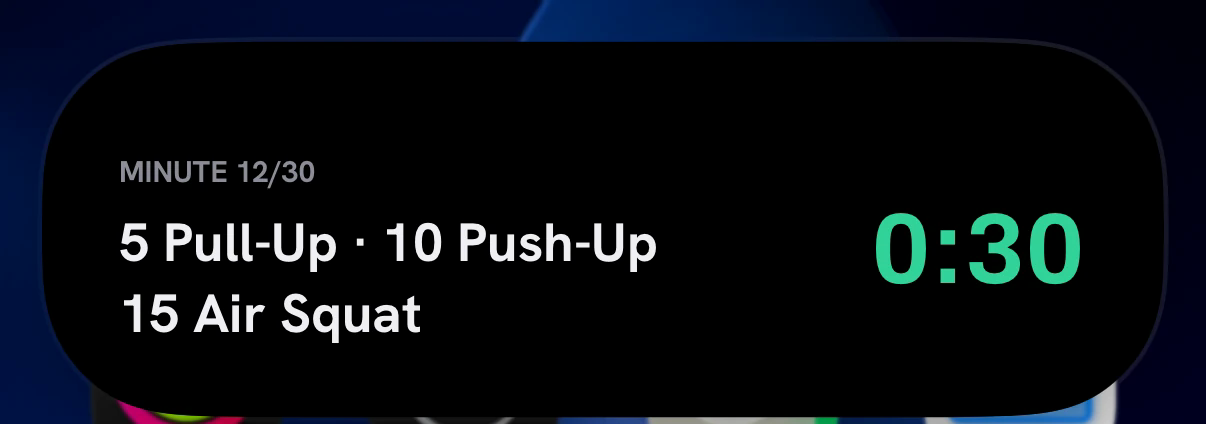
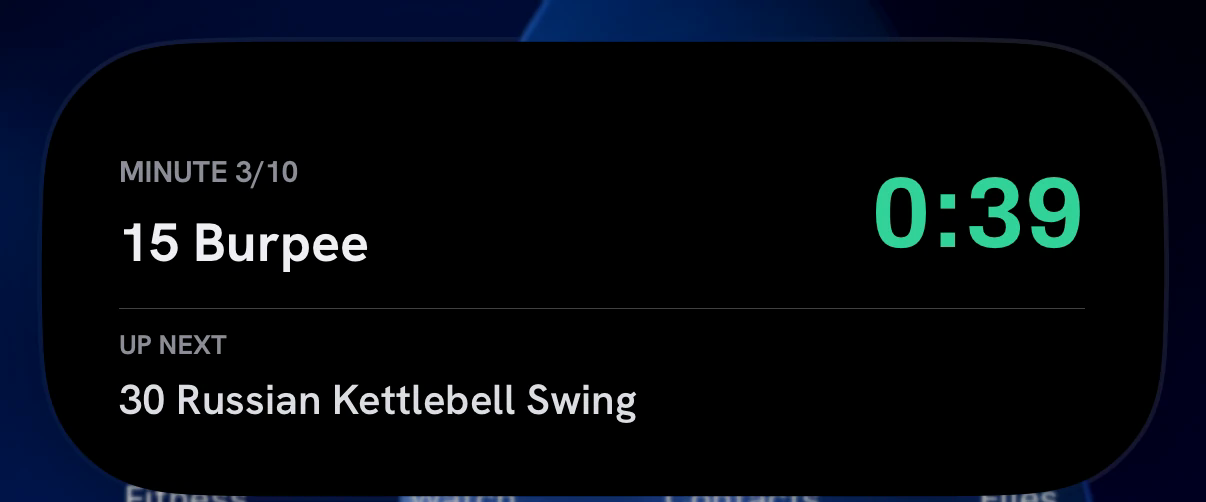
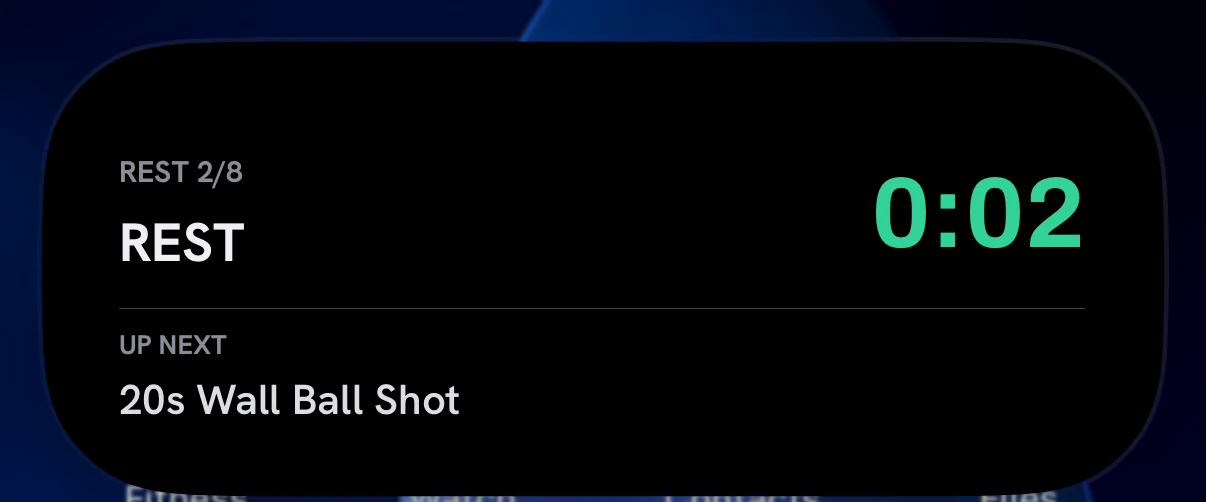
The Lock Screen timer is in limited beta too, going out to the same small group first. On iPhone it needs iOS 16.1 or later. Same as light mode: ask in our Discord if you want in.
Shared links show the workout
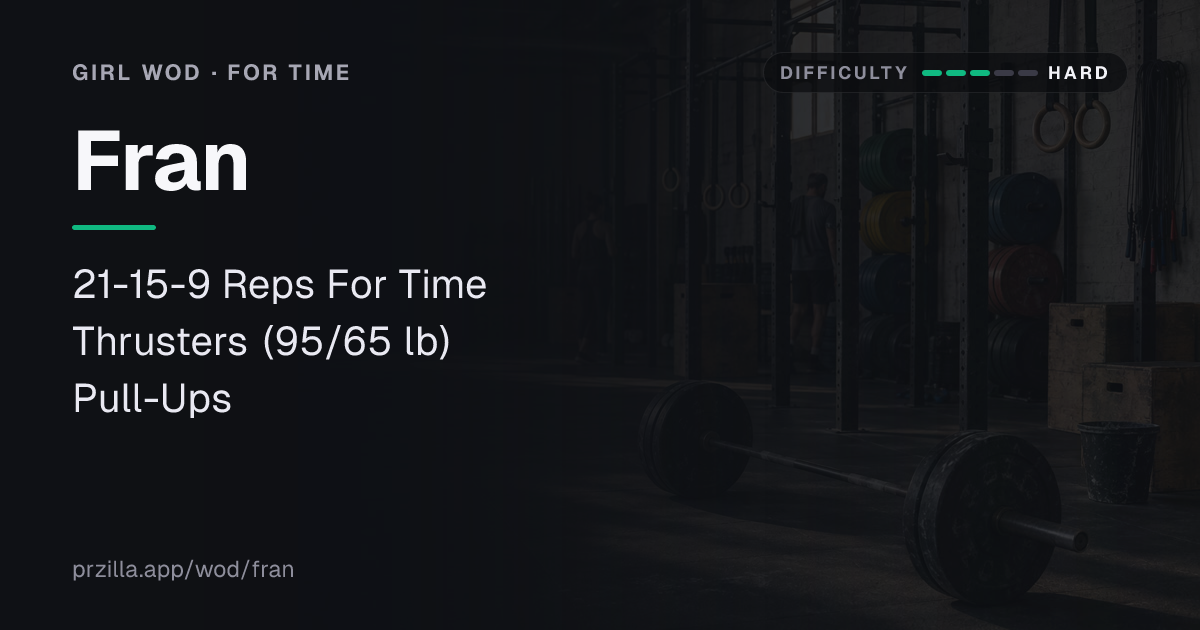
Sharing a workout link now shows the workout, thanks to a suggestion from Julien Duvanel. Paste a PRzilla WOD link into iMessage, Discord, LinkedIn or X and the preview shows its name, its movements and loads, its category and, where the catalog has one, a difficulty rating - instead of a cropped logo. Very long workouts fade out rather than fitting on the card.
Two timer fixes you will feel mid-workout
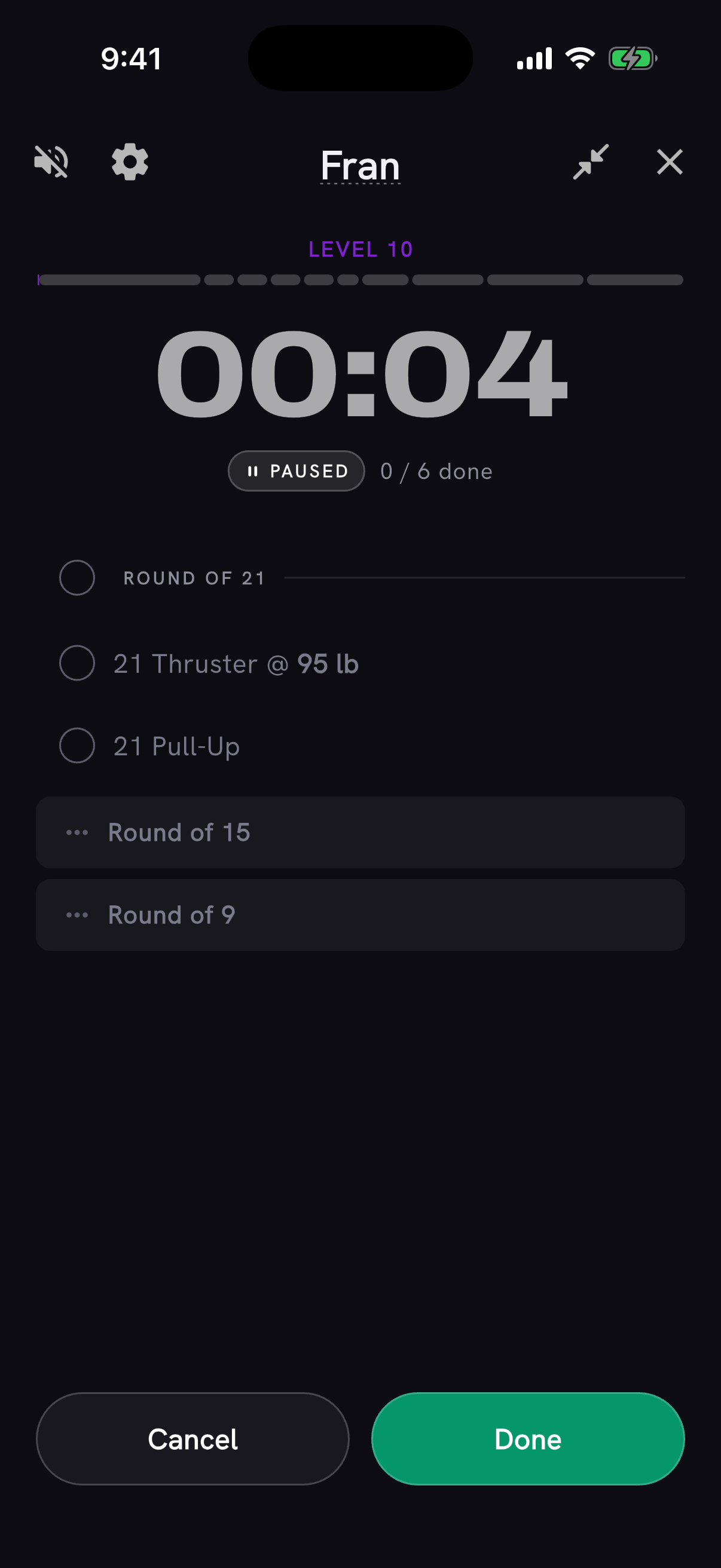
Pausing a workout timer now shows a PAUSED label under the clock, and the time dims and slowly pulses, so a stopped clock no longer looks like a running one.
And the whole ROUND line for the round you are on now finishes that round. Previously only the small circle at its left worked, which is hard to hit mid-workout. Finishing a round also gives a short haptic tick, and a one-time tip points the gesture out. Thanks to Mirko Salaris for the report.
Fewer taps to log a score
Custom WODs added from an open workout now return straight to the workout, finish analyzing on the glowing WOD card, then focus the score field when it is ready. WOD actions formerly labeled "Add to session" now say "Log score." Thanks to Bella Cooper for flagging the extra step.
Tap the level beside a workout score to see that effort on its benchmark curve. And the Log tab can now record a custom cap and progress for time-scored WODs that have no preset cap.
Home, and the Coach note
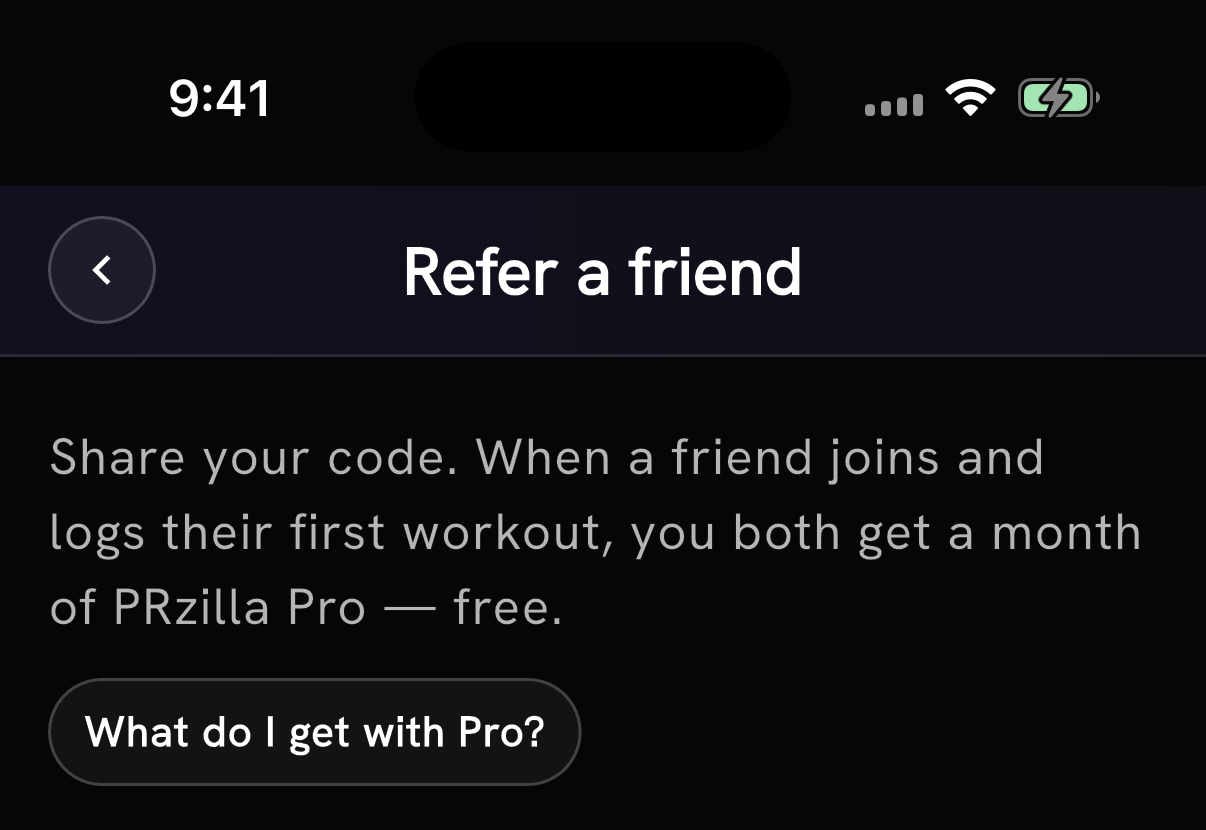
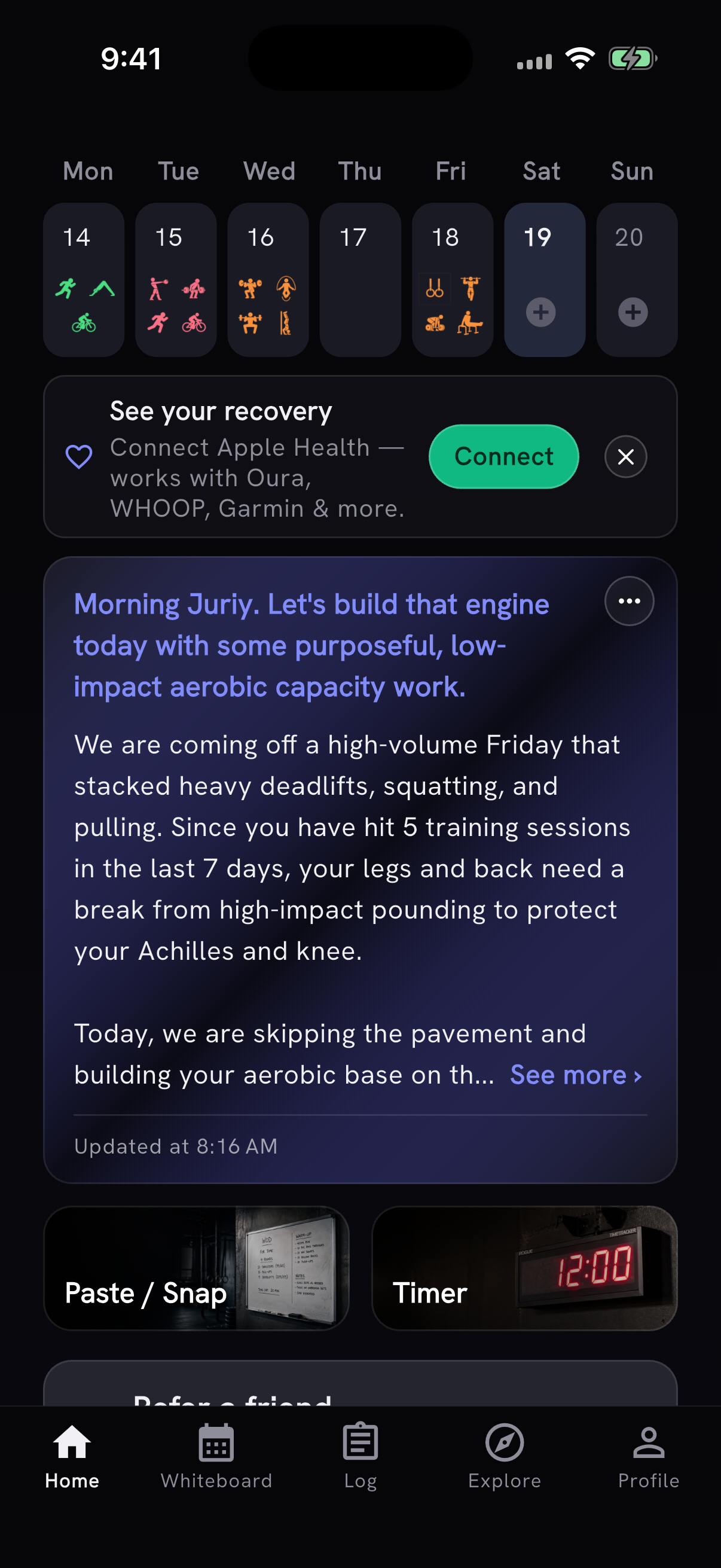
Home now shows Refer a friend: when a friend you refer joins and logs their first workout, you both get a free month of Pro. It was previously only under Settings, inside PRzilla Pro's Plan and benefits. Logging a session by hand moved off Home to the Log tab's + button, alongside Log how you feel and Start timer.
The referral screen also answers the question it used to leave hanging. The reward is a month of Pro, so there is now a "What do I get with Pro?" link straight to the benefits.
The daily Coach note no longer disappears from Home. If your training changes and a new note cannot be written yet - you have used the day's updates, or the service is briefly unavailable - the note you already have stays put instead of the card vanishing for the rest of the day. The card now also shows when its note was written, whether a new one is being written, and when the next one is due.
Also in this release
Workout exports you send from Settings, Import from another app now reach us reliably. Some uploads were failing silently before, so if you sent one and never heard back, send it again.
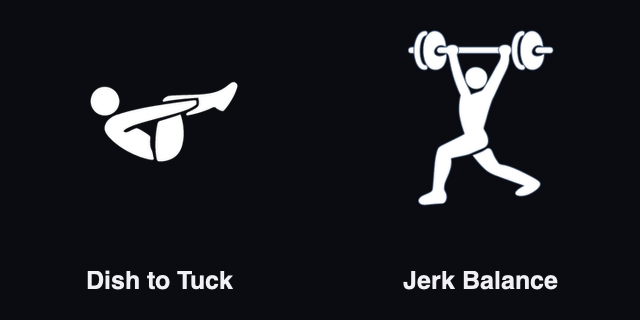
Dish to Tuck and Jerk Balance joined the movement catalog, so you can search for them and log them like any other movement.
On free daily programming, Prepare now appears whenever coaching or benchmark details are available, and PushJerk workouts that previously failed to parse come through again.
Thanks to António Silva and David Best for the Coach note report and both movement requests.