October 25, 2026v1.35
Programs, now a public beta for every Pro member
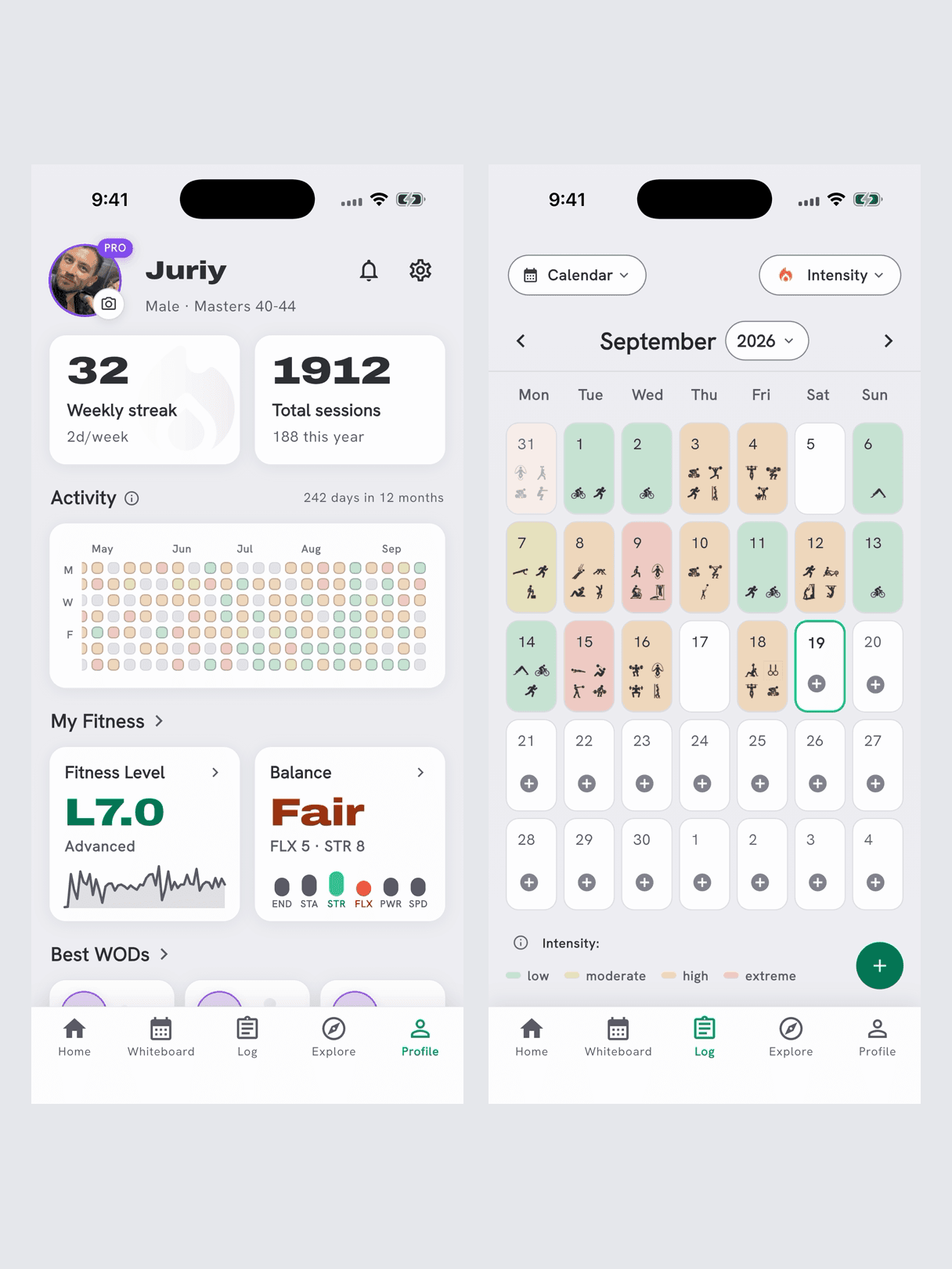
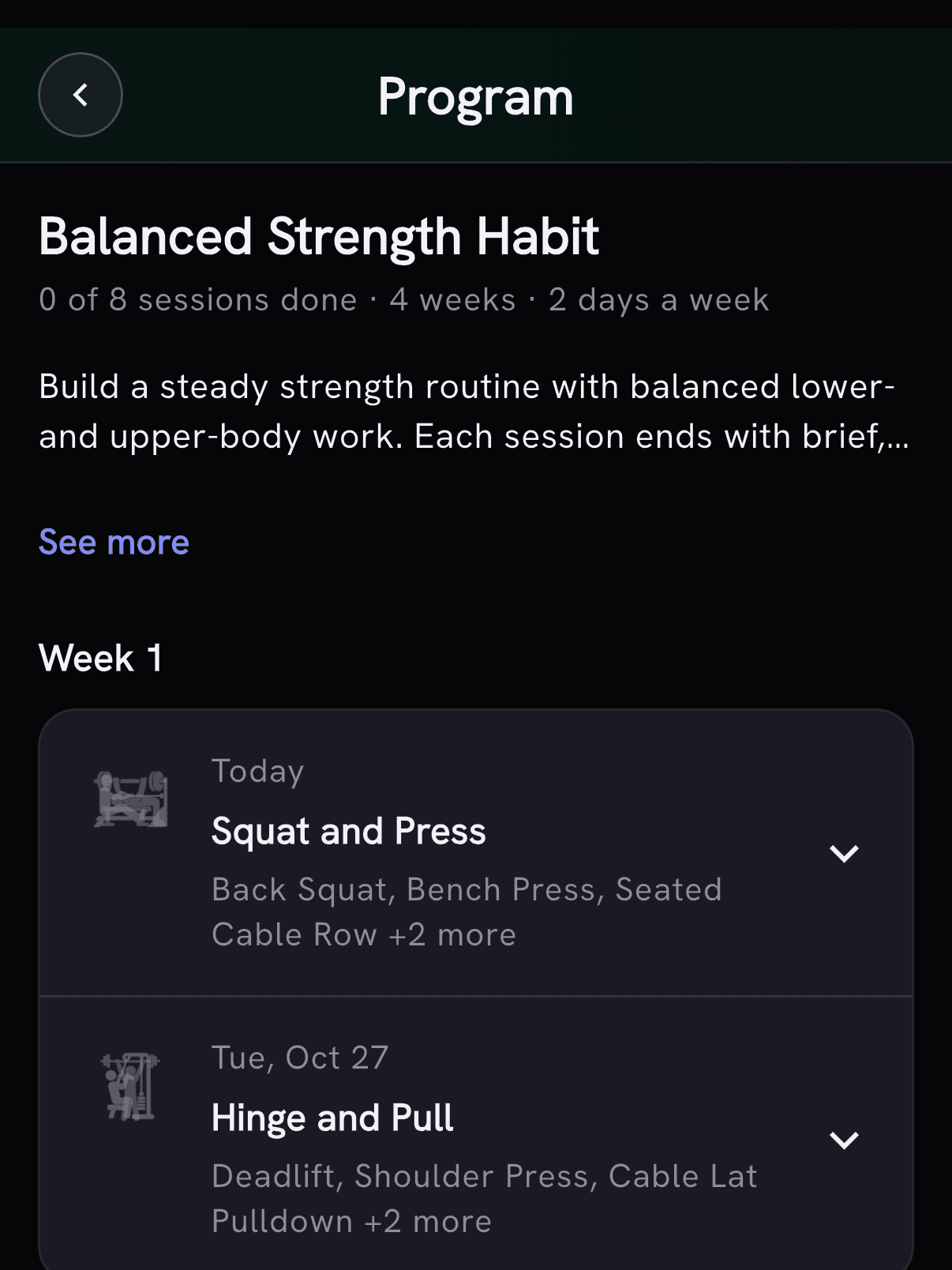
Start a program any day and keep missed sessions in the queue. Programs is a public beta: send bugs and suggestions through Settings → Send Feedback or Join Discord.
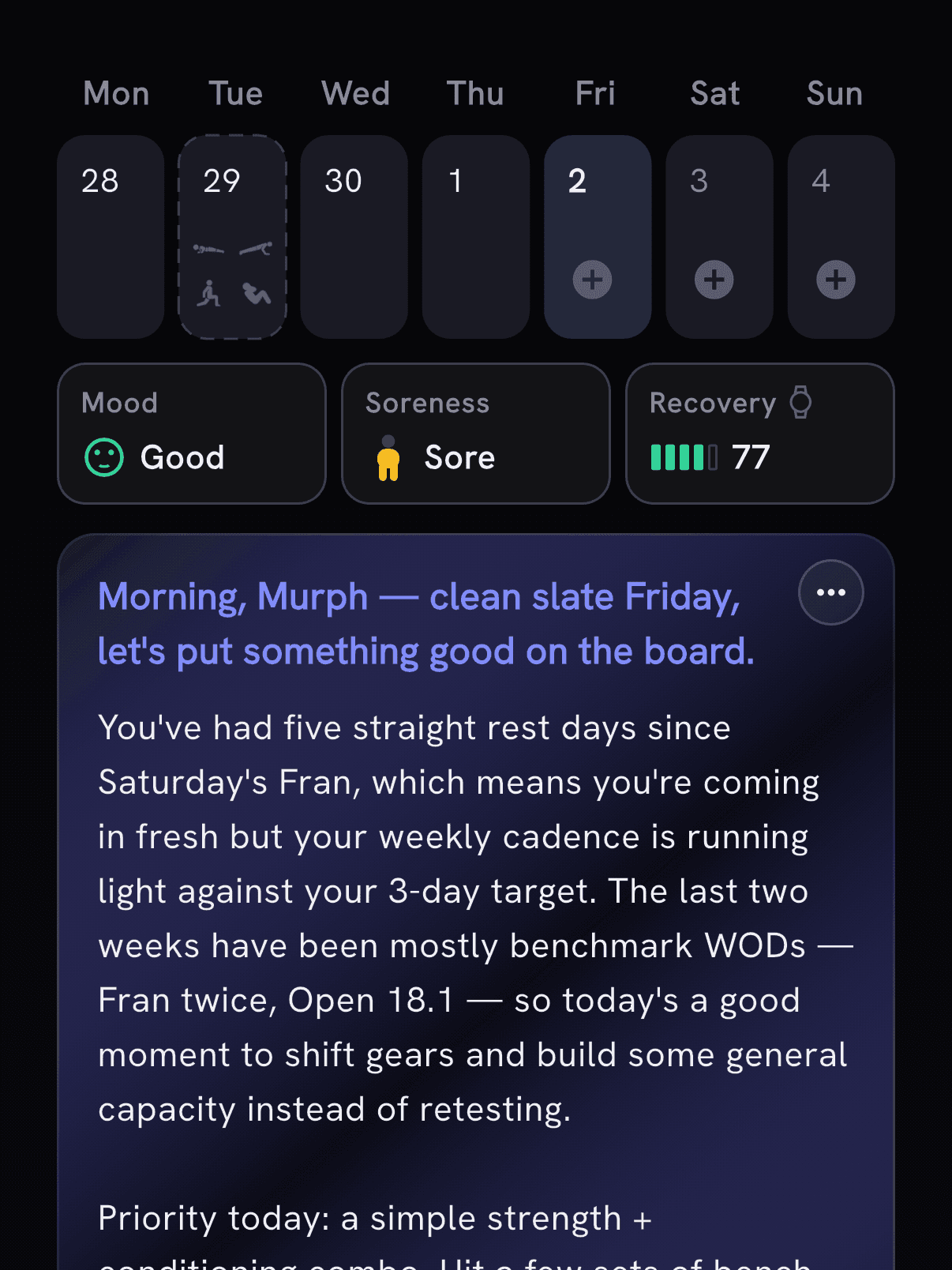
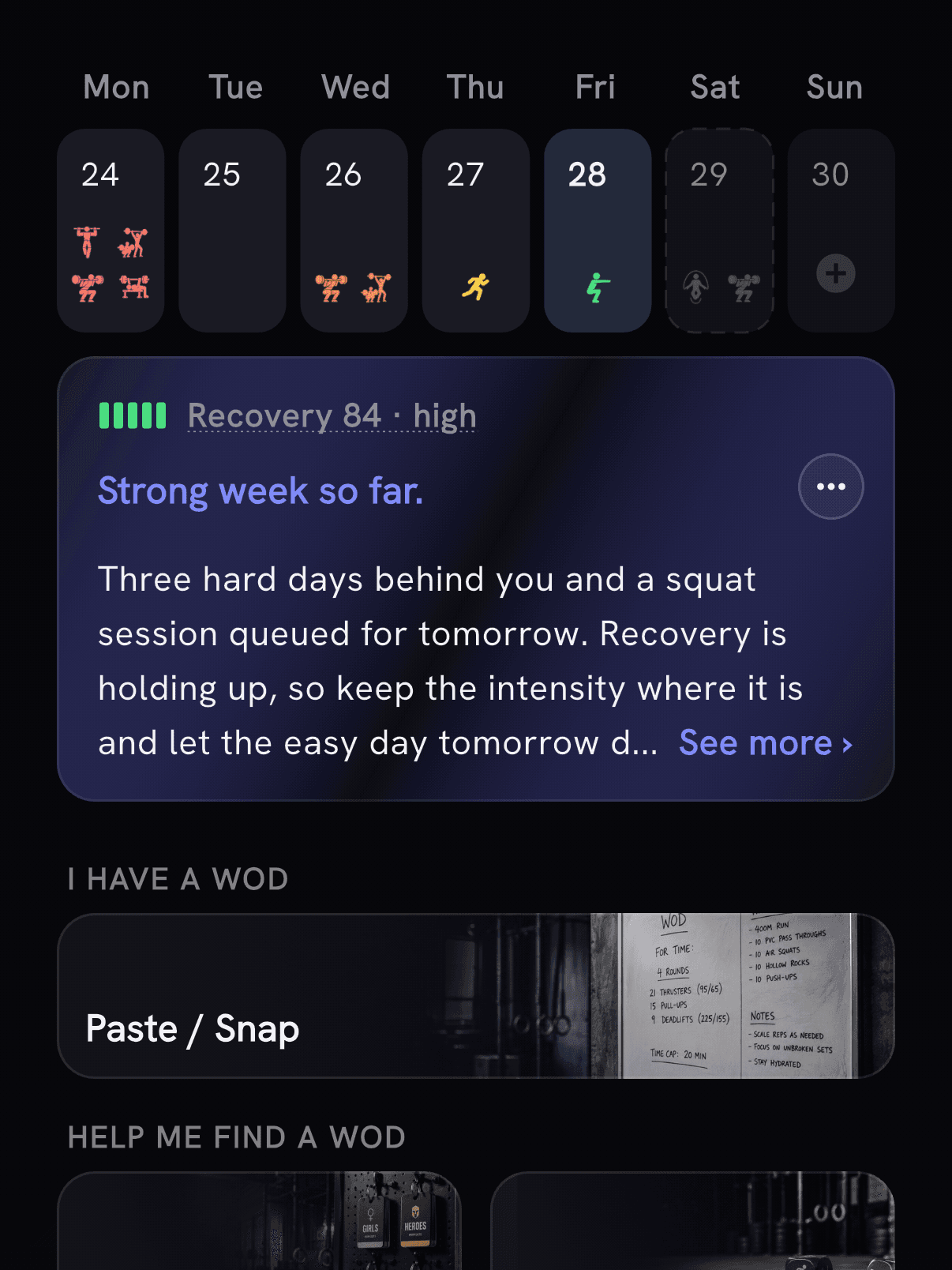
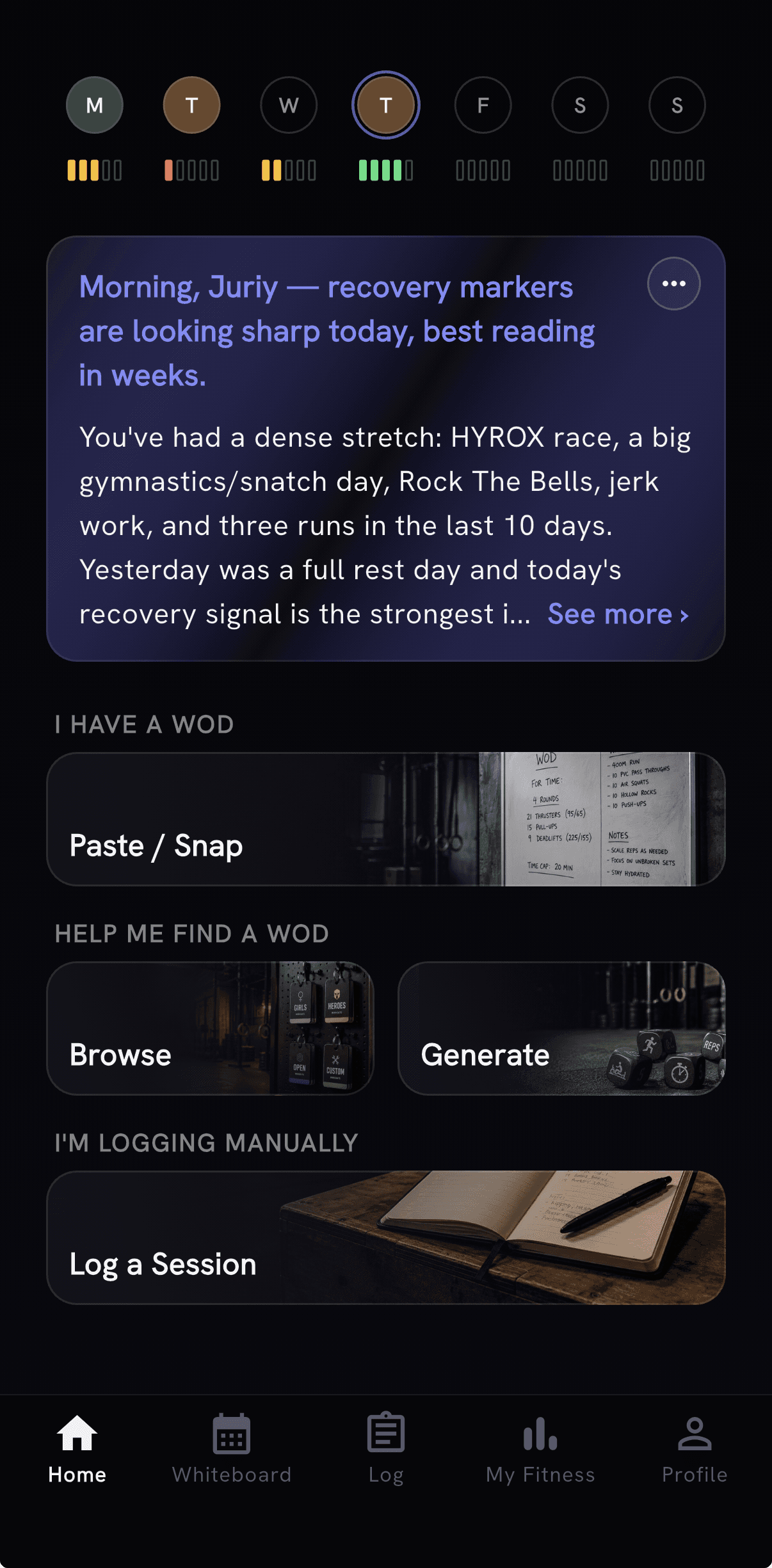
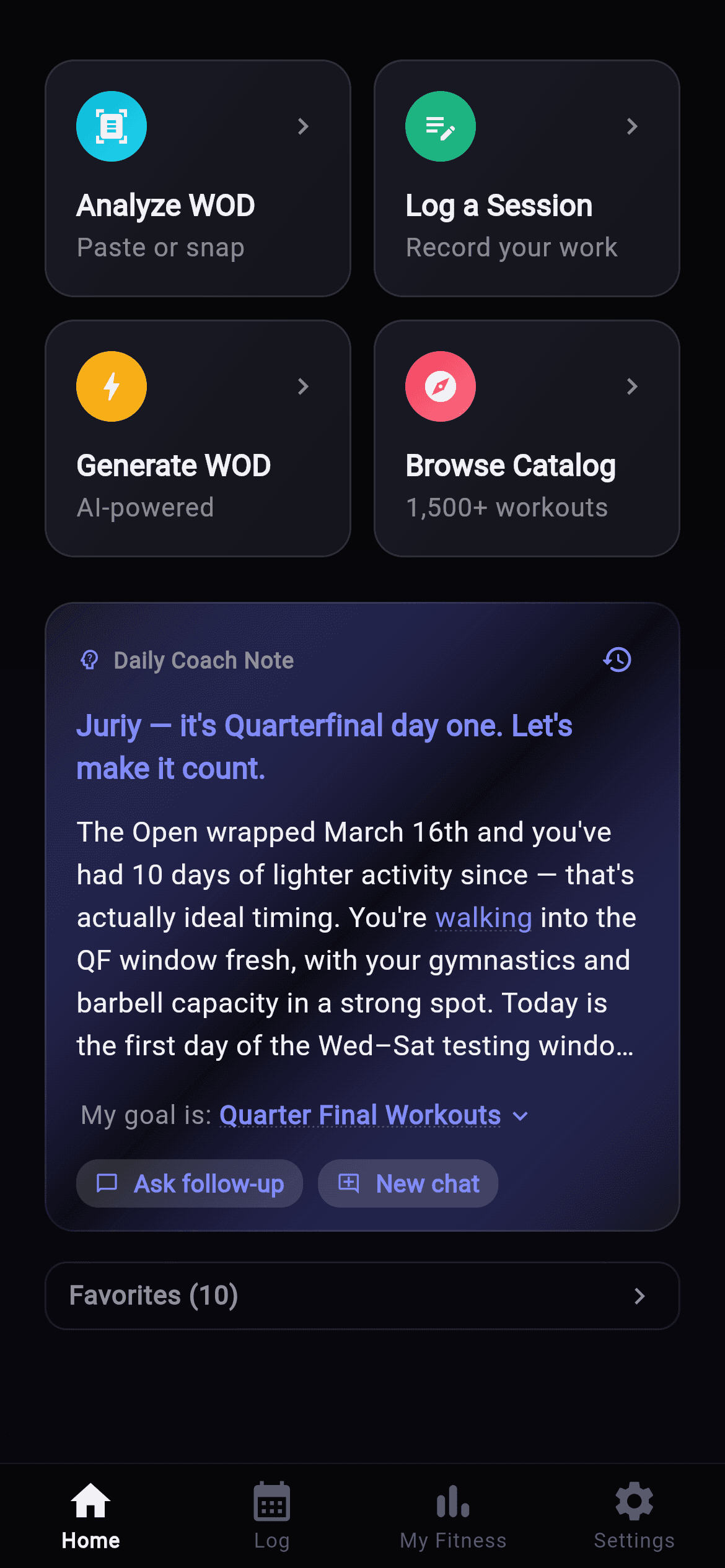
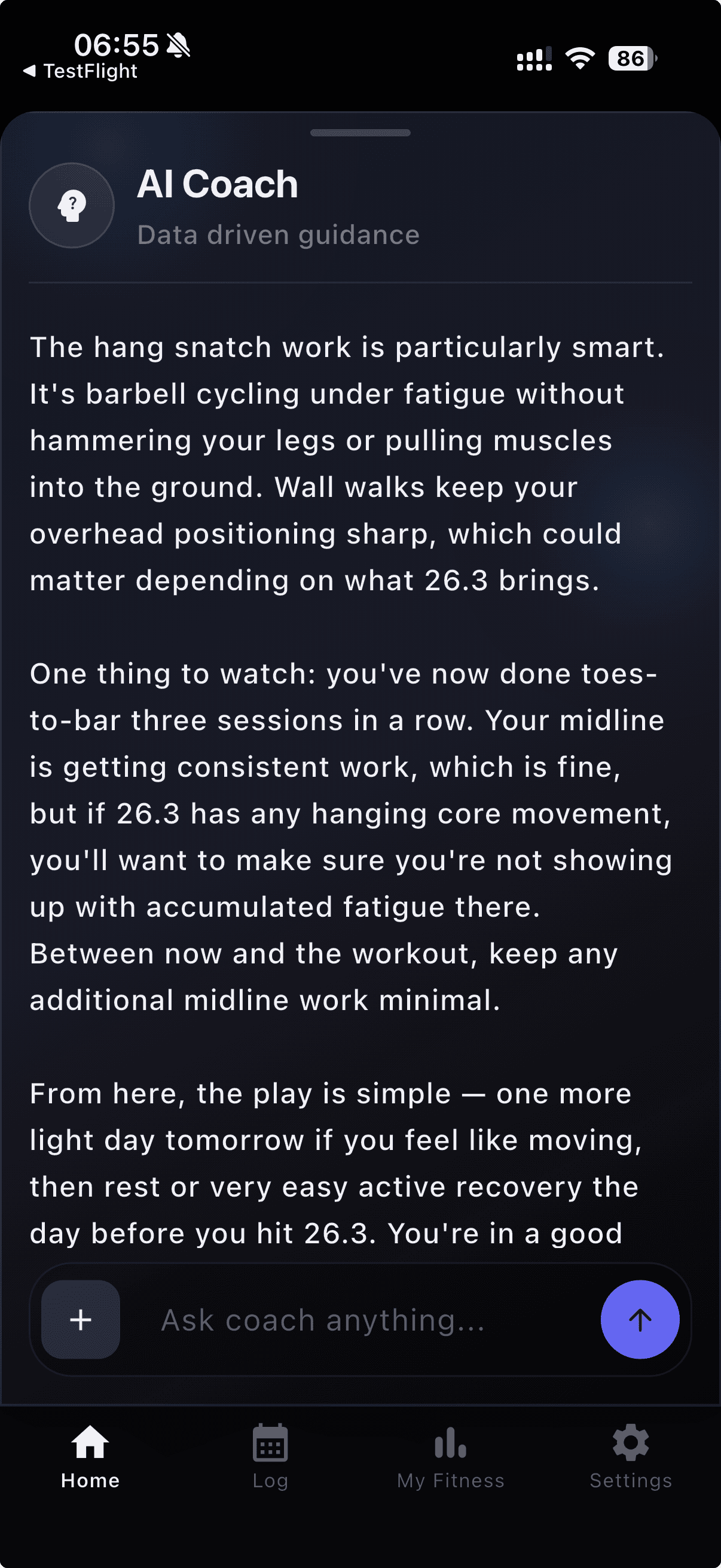
- Ask AI Coach for a plan around your goals and schedule, then move or skip the next session when plans change.
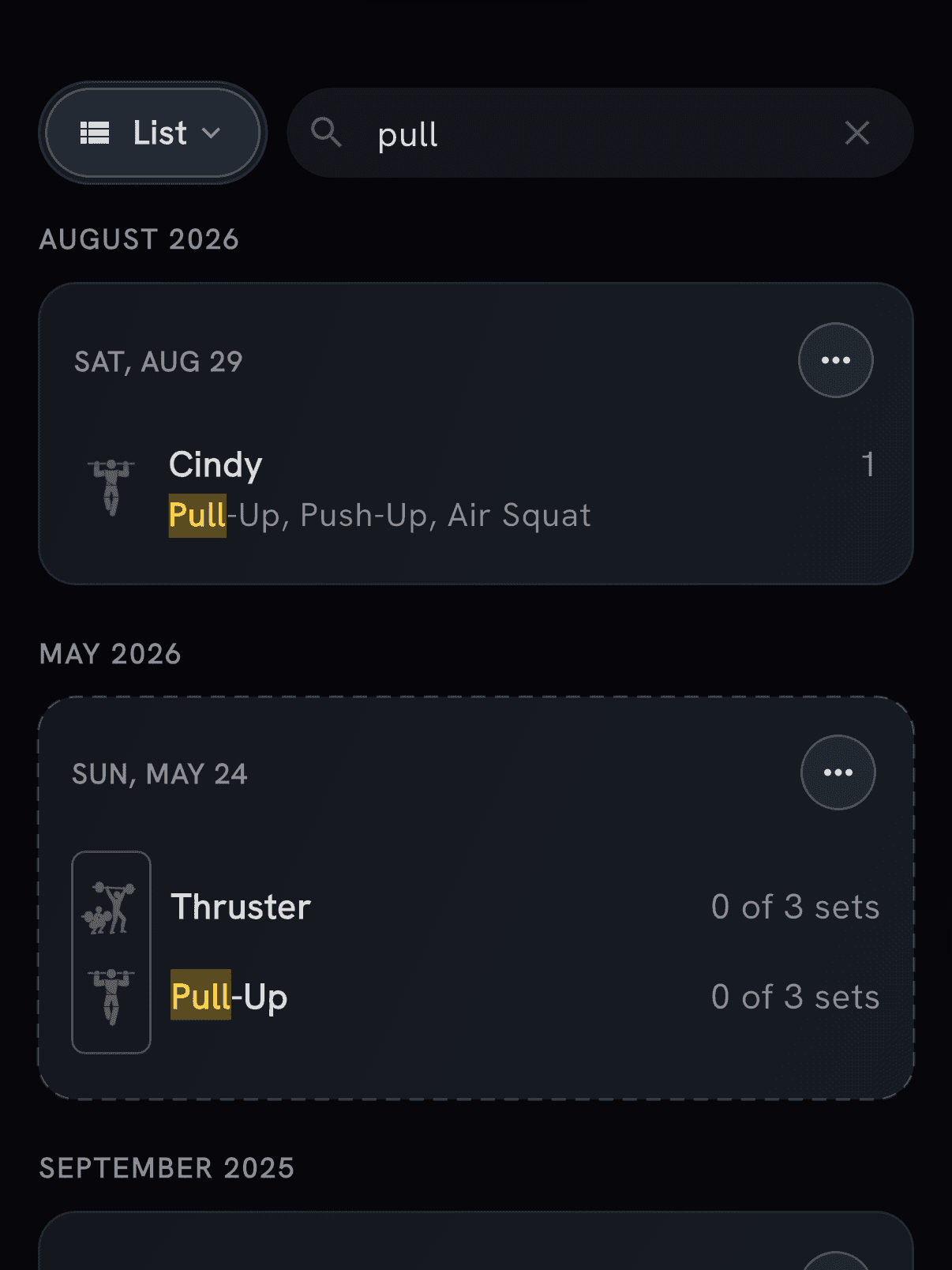
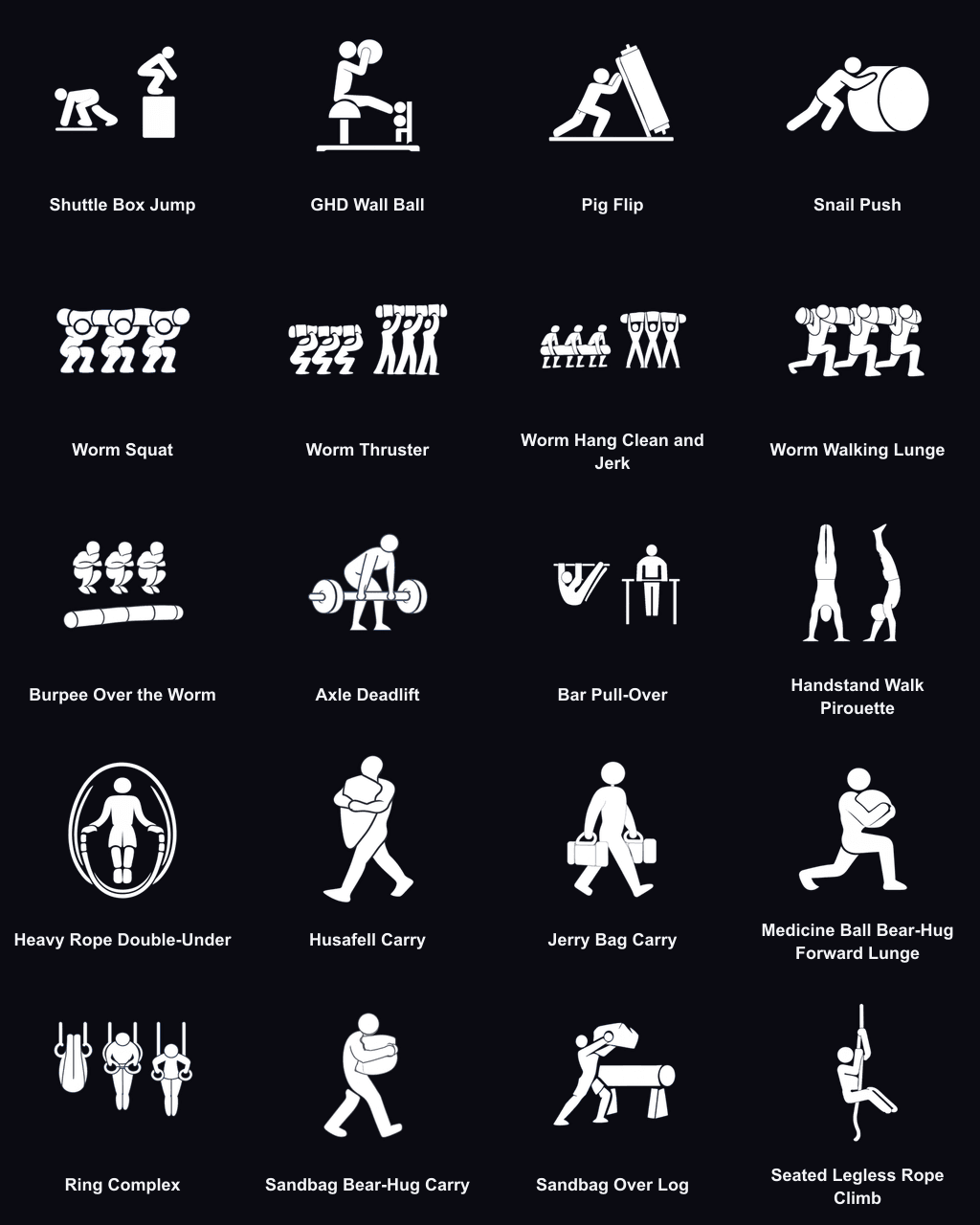
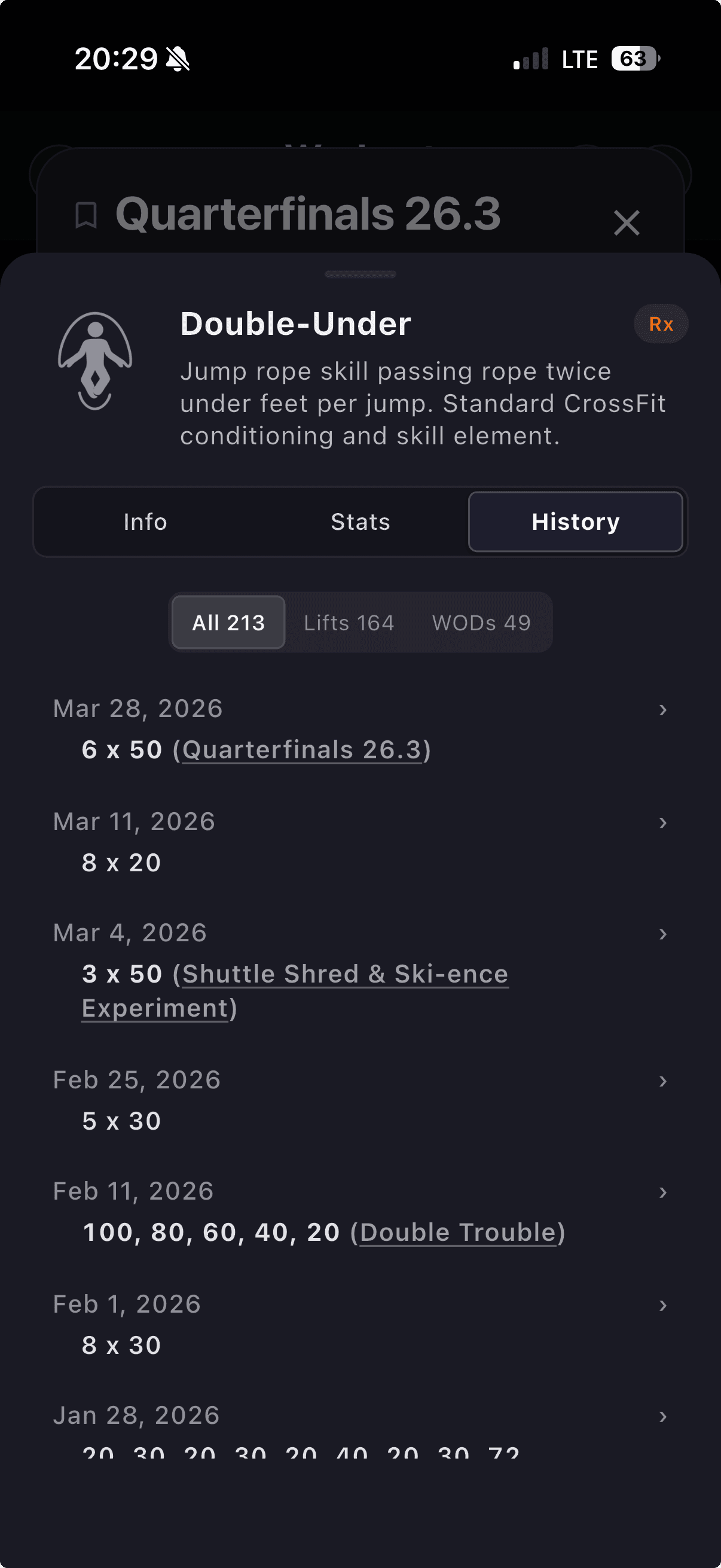
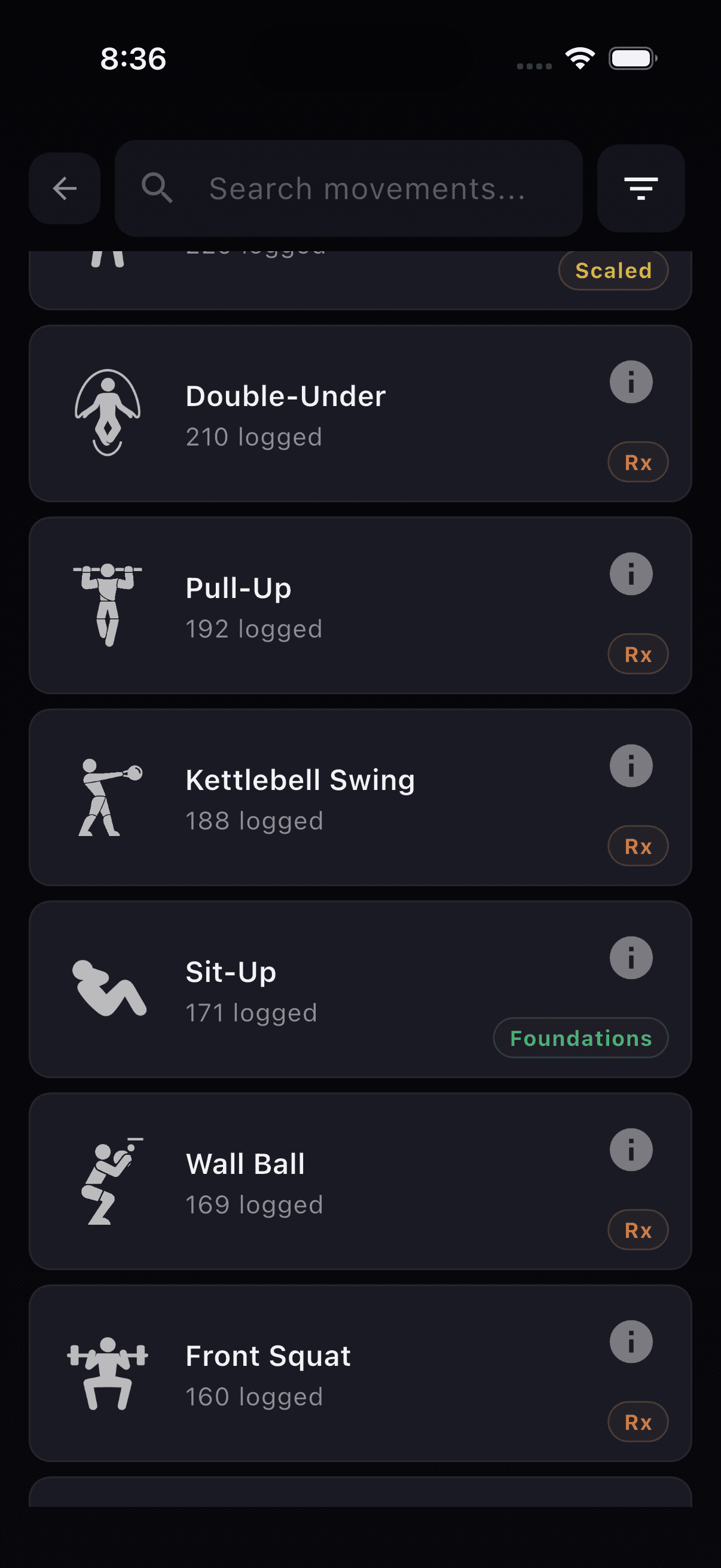
- Open a movement's WODs tab to find workouts that use it, with 608 more Hero WODs in the catalog.
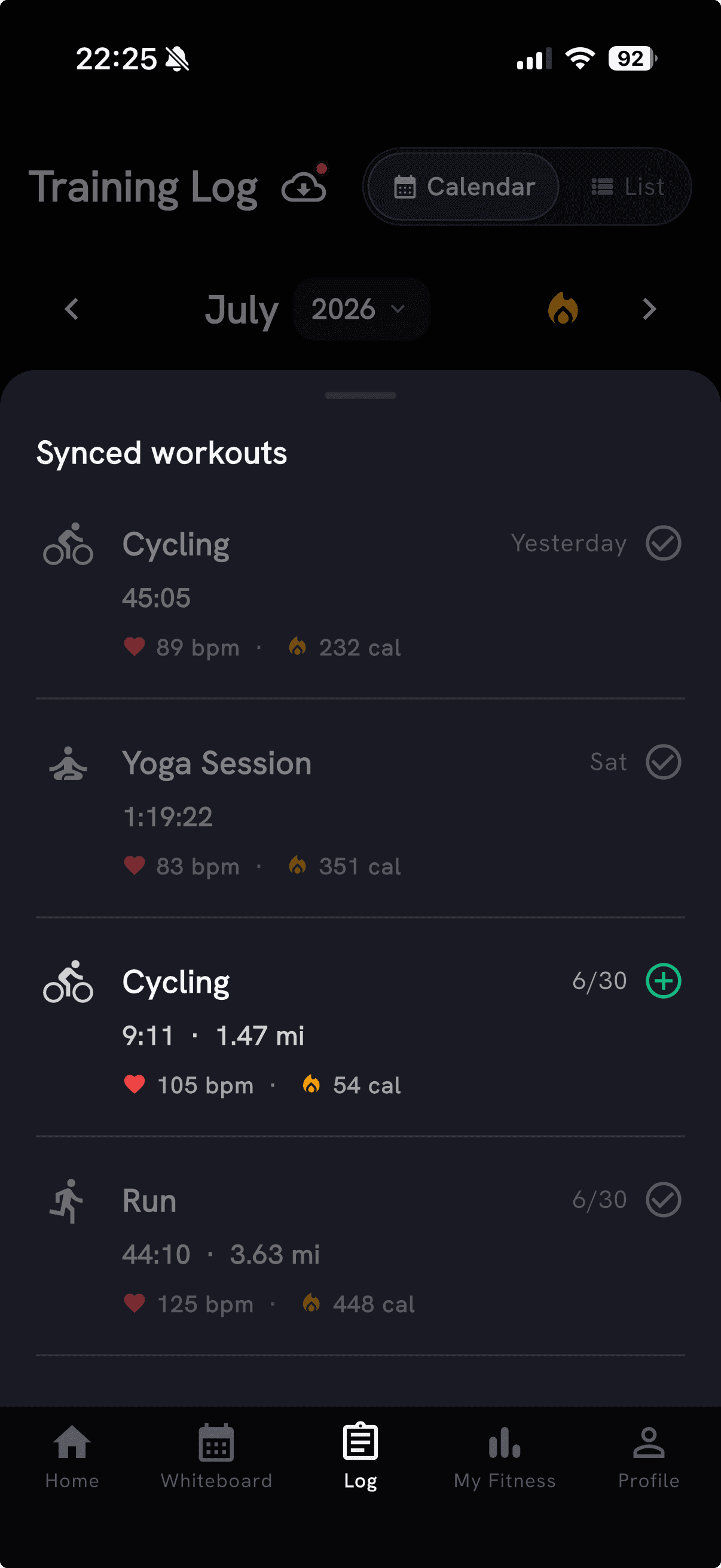
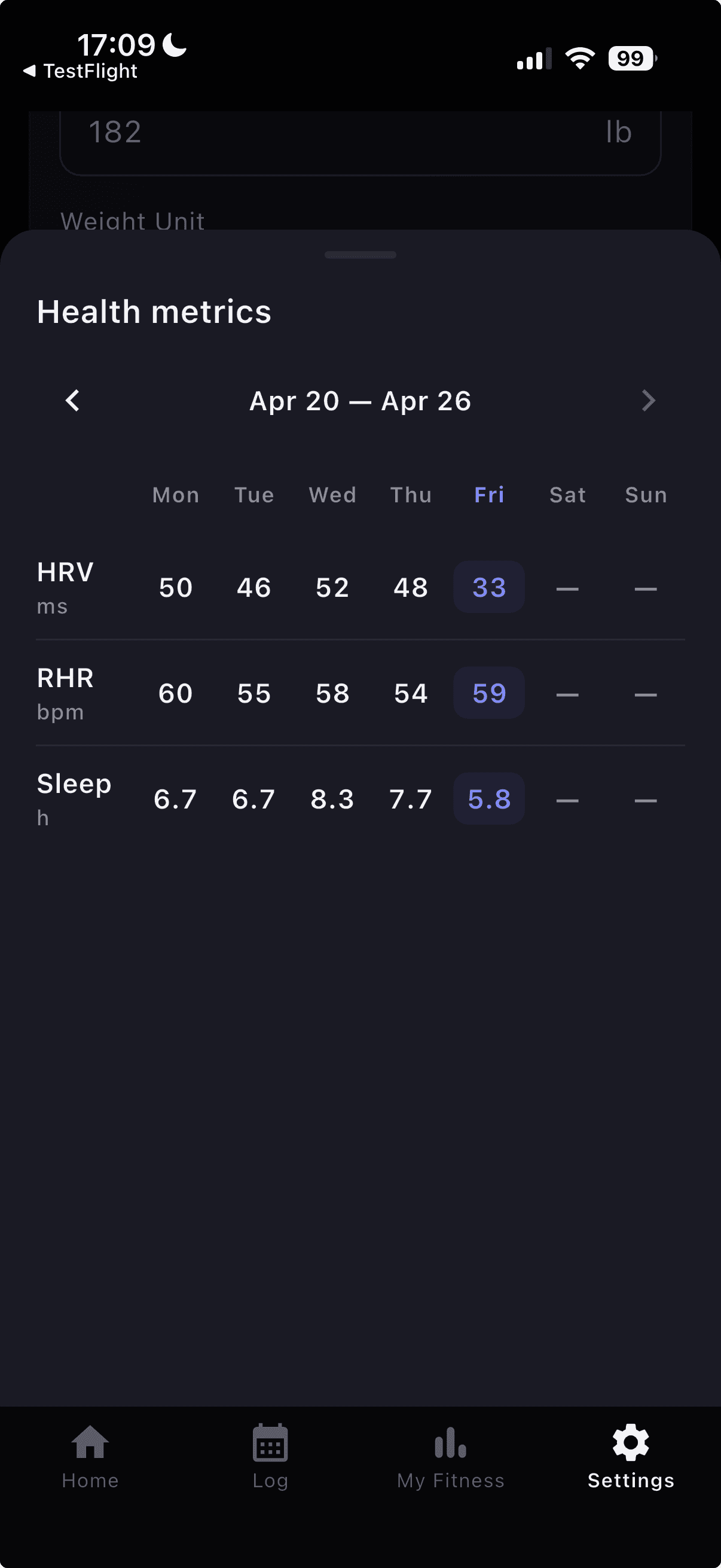
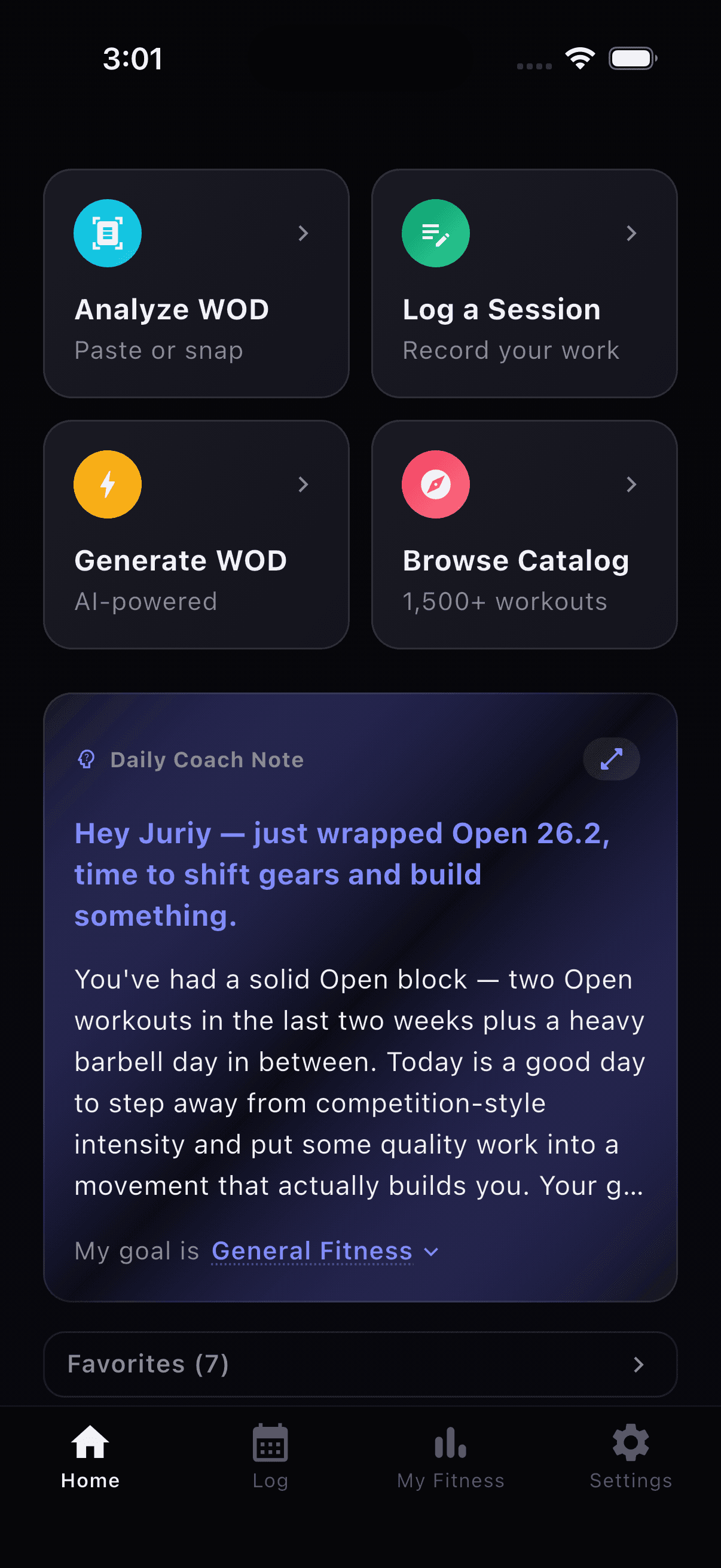
- On iPhone, AI Coach can read Apple Health steps, exercise minutes and optional overnight vitals for more context.