Mobile App v1.37 - Check your workout before adding it
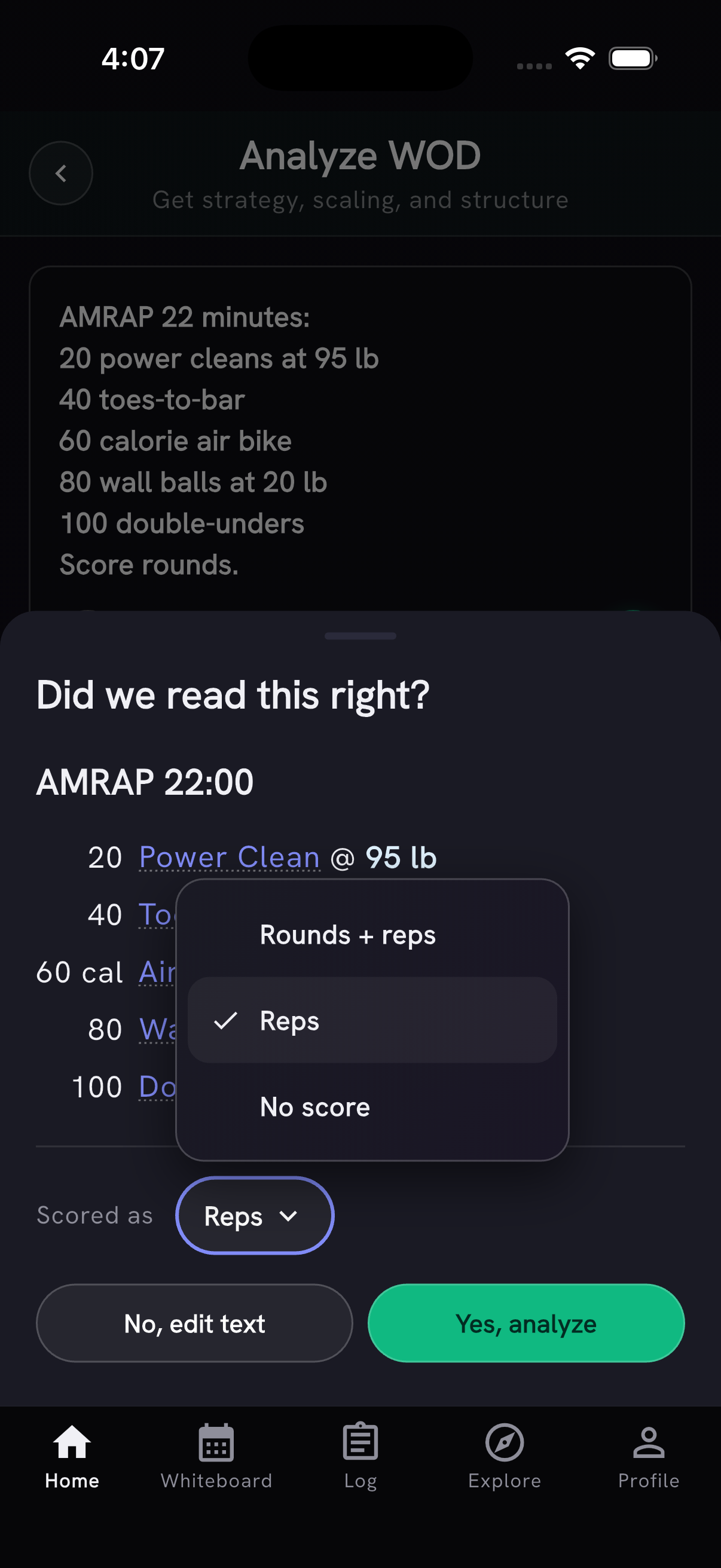
Did we read this right? is now on by default. Before adding a typed or photographed workout, PRzilla shows the movements, rounds and reps it read. Catch a mistake before it reaches your log: choose No, edit text to change the description, or use Scored as to choose from the supported score types.
The check covers Add WOD, Paste / Snap, the timer and new custom WODs from Quick Add. Each check uses one of your daily AI actions. It's still in beta; turn it off in Settings → Beta features if you'd rather skip it.
When a workout contains several AMRAPs with rest between them, each AMRAP now shows its own length. A run scheduled every few minutes keeps its distance and the AMRAP keeps its full time.
A record for your best triple
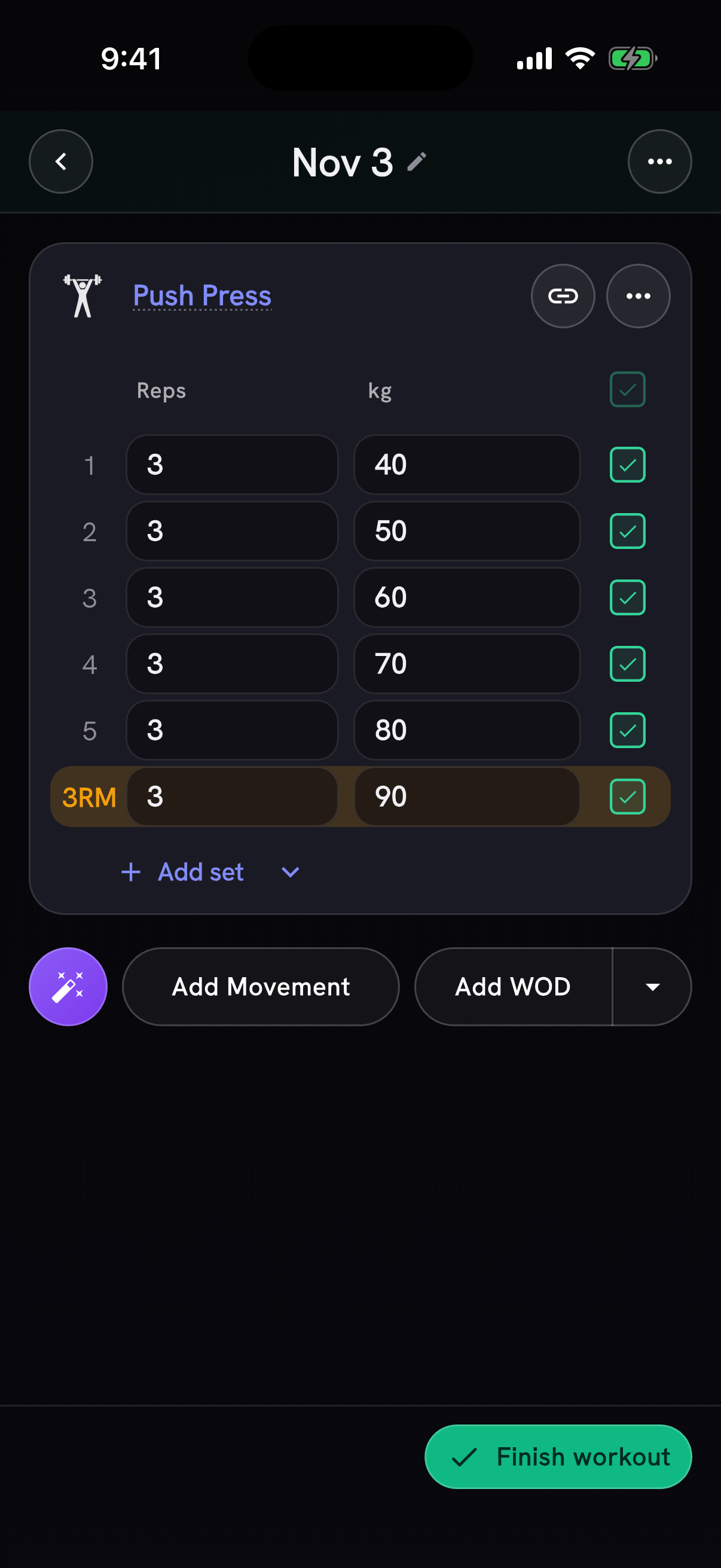
A heavier triple deserves a record even when an old single keeps your estimated one-rep max out of reach. Sets can now earn 3RM, 5RM and other rep-max badges in the tracker as you log, and on the saved workout.
The badges cover 1 to 10 reps. You need an earlier result at that rep count, and the new weight must beat what you've previously lifted for that many reps or more. Missed and unfinished sets don't count. If the set also earns an estimated-max PR, it keeps the PR label.
Finish with the work you actually did
Filled in your sets but forgot to check them off? Finish workout now asks Did you do them? when unchecked sets contain weight, reps, time or distance.
- Yes, mark them done checks them off so the work counts in your history, streaks and PRs.
- No, delete them removes the unfinished work. The completion card offers Undo while it's open.
- Cancel takes you back to the tracker.
Sets you didn't reach in a capped WOD stay unchecked and aren't included in this question.
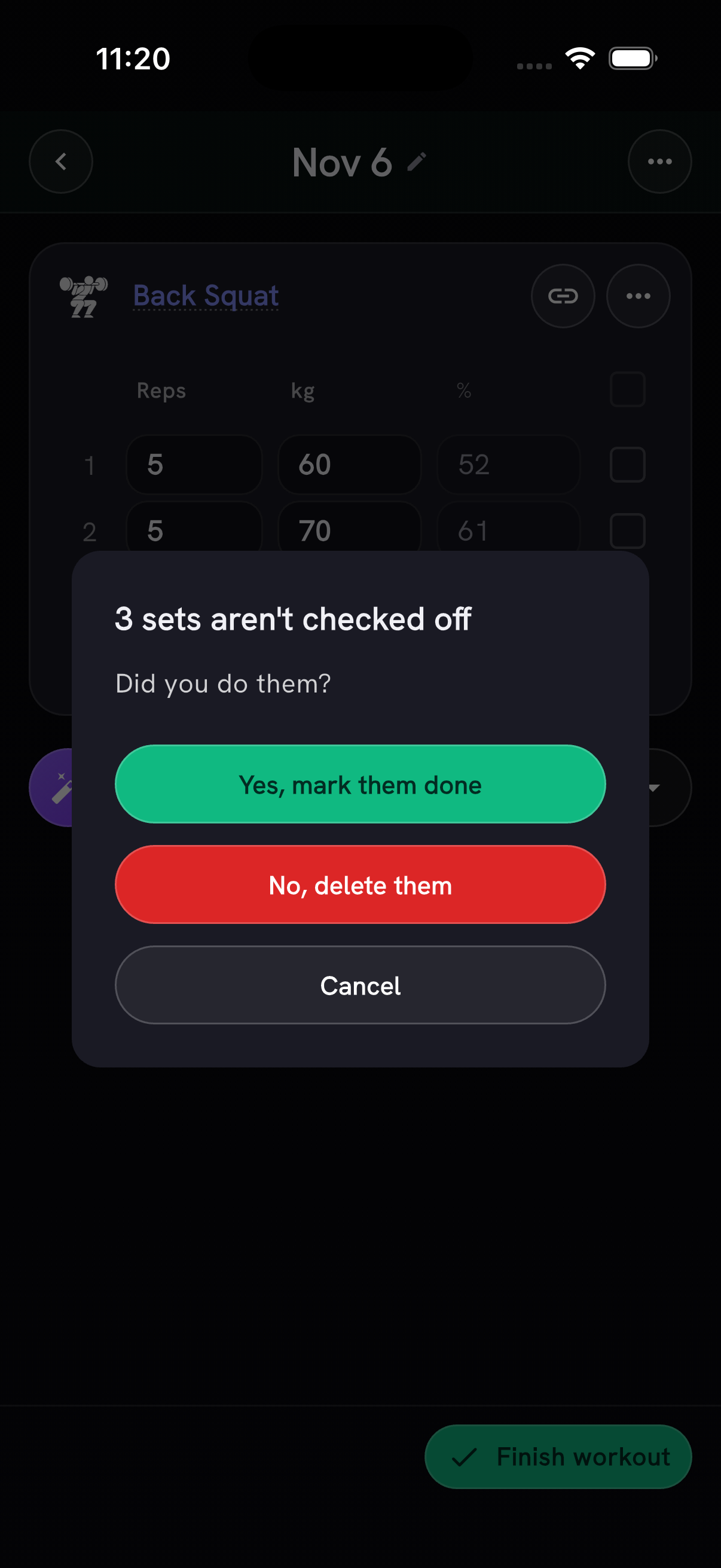
Example workout shown in the app.
Thanks to Sasha Sherman for flagging the unchecked sets.
Also in this release
- Faster logging and browsing. Empty days open immediately, and adding a WOD shows a placeholder while it saves. The Log calendar and session list load faster. Explore, the workout picker and Add Movement read their catalogs from the phone instead of downloading the full lists each time the app starts. Catalog updates arrive with app updates.
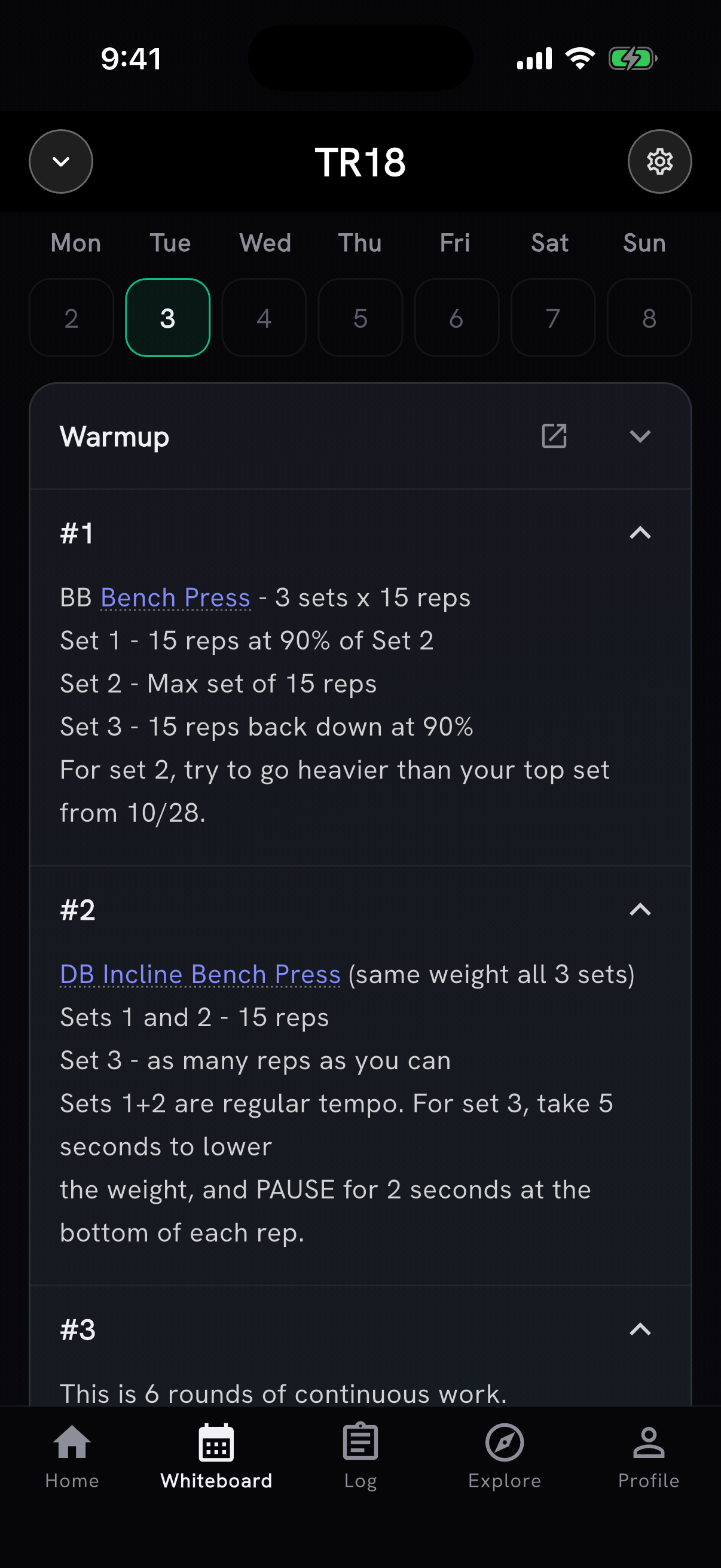
- Truckroom 18 joins the Whiteboard. Its daily programming is available alongside PushJerk, CrossFit.com and CrossFit Linchpin, signed in or not.
Beta: muscles trained this week
Turn on Muscles trained this week in Settings → Beta features to see a muscle map on Home. Tap the bodies to see the muscles and movements behind the colors, then open How each muscle got its color for the breakdown. Swipe Home's week strip to see earlier weeks, up to a year back.
The colors estimate how much work each muscle got from your logged training. They don't measure soreness or recovery. When the beta is on, AI Coach can use the current week's map as context for its advice.
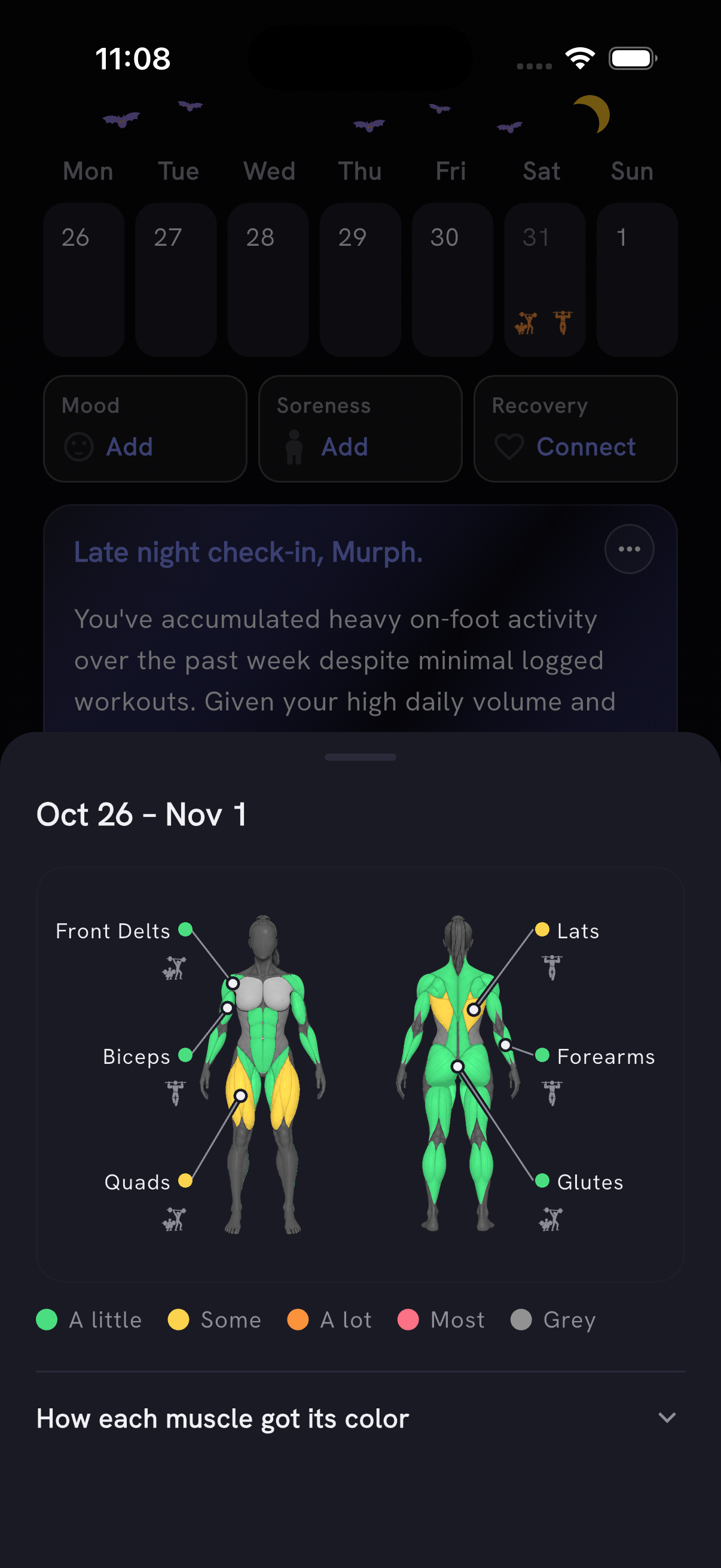
Example training history shown in the app.
This beta is optional. Turn it off from the same Settings page at any time.
Invited beta: milestone badges. Invited testers can browse Recent achievements on Profile and an All badges collection, with earned levels and progress toward the next one. This preview is not open to everyone yet.
Other improvements
- On/off workouts such as "4 rounds, 45 seconds on, 15 seconds off" now start an interval clock. The review sheet shows the work/rest timing for intervals and Tabata. Thanks to Julien Duvanel for flagging it.
- A capped result counts only the work you reached toward your volume and totals. The completion card shows progress at the cap, such as 79 @8:00 · TC, and rounds/reps fields fit two-digit values.
- Track by switches supported movements between reps and time. Dragon Flag starts with reps; Battle Rope Waves starts with time. Hollow Rock and several other counted movements now start with reps, while Ring Inverted Hang and Single-Arm Static Hang start as holds.
- The rep-max table keeps the weight you actually lifted: a 90 kg double stays 90 kg at 2 reps. Thanks to António Silva for flagging the table and Hollow Rock.
- Milestone notifications count sessions the same way as Total sessions on Profile: several workouts on one day count once. Thanks to Julien Duvanel for catching the mismatch.
- What's New shows again when you open the app after an update.
- Tapping BJO in a workout description opens Box Jump-Over.